
Description
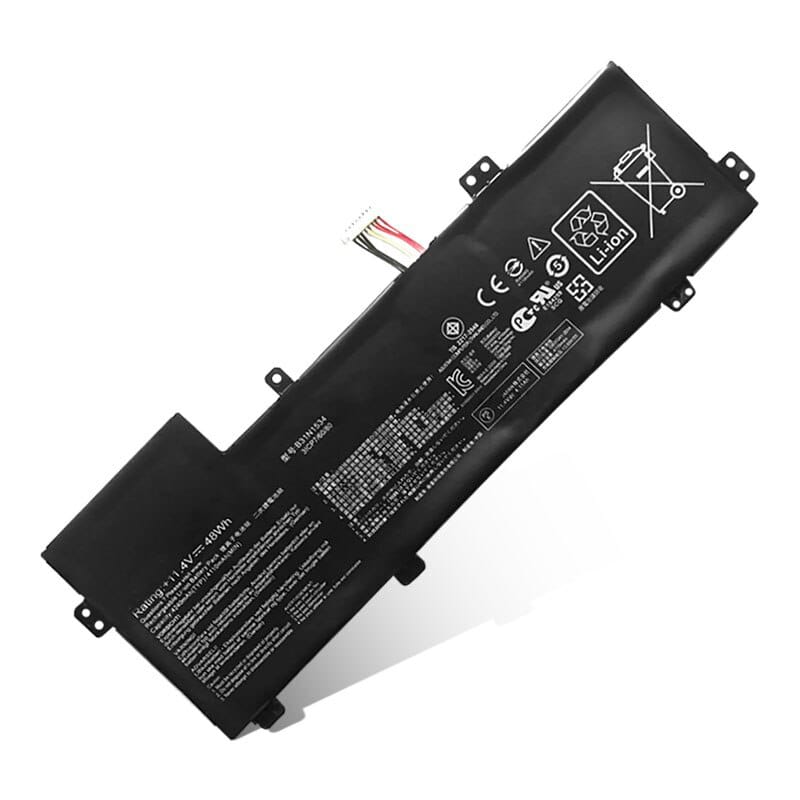
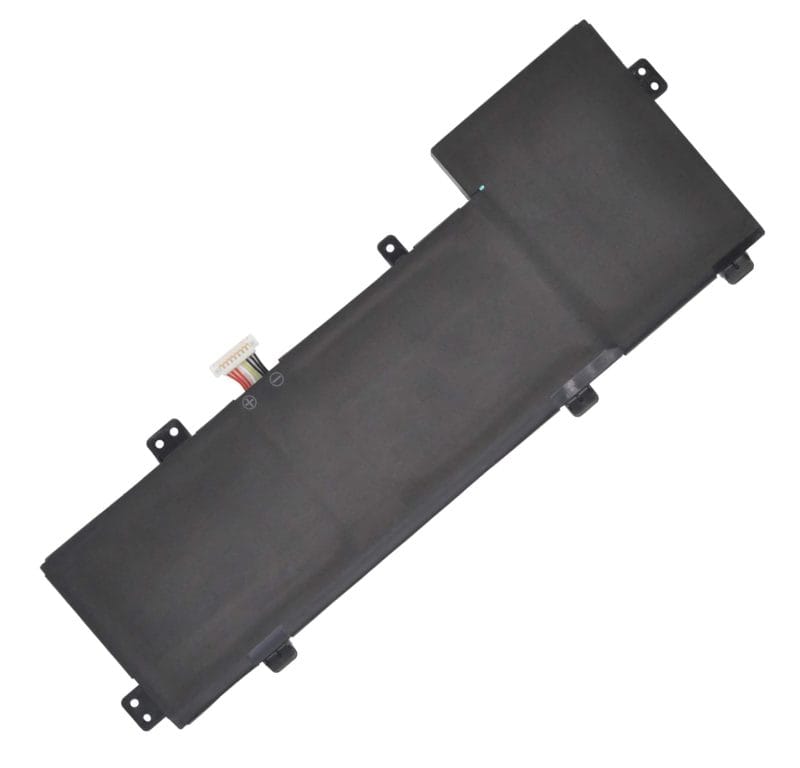
B31N1534 0B200-02030100 Battery for ASUS ZenBook UX510UX UX510UW (11.4V 52Wh 3-Cell Li-Poly)
Voltage 11.4V,
Capacity 4550mAh/52Wh,
Number of Cells/type 3 Cell (Li Poly),
Colour Black
Compatible part number
ASUS
B31N1534, 0B200-02030100, 0B200-02030000
Can be used with the following laptop(s)
ASUS
Zenbook UX510UW,UX510UW-1A,UX510UW-RB71,UX510UW-CN044T,Zenbook UX510UX,
UX510UX-1A,UX510UX-CN020T-BE,UX510UXCN044T,UX510UW,UX510UW1A,UX510UWRB71,
UX510UX,UX510UX1A,UX510UXCN020TBE,UX510UXCN044T,Zenbook UX510UW-CN044T,
Zenbook UX510UWCN044T,ZenBook UX510UX-CN014T,ZenBook UX510UX-CN020T,
ZenBook UX510UX-CN044T,ZenBook UX510UX-CN047T,ZenBook UX510UX-CN179T,
ZenBook UX510UX-CN216T,ZenBook UX510UXCN014T,ZenBook UX510UXCN020T,
ZenBook UX510UXCN044T,ZenBook UX510UXCN047T,ZenBook UX510UXCN179T,
ZenBook UX510UXCN216T
5 Tips to extend your Laptop’s Battery life
1. Reduce Screen Brightness and Disable Backlight
Lower brightness:
Dim your laptop’s screen as much as possible to conserve significant power.
Turn off keyboard backlighting:
If your keyboard has a backlight, turn it off to prevent unnecessary power drain.
This video explains how to adjust screen brightness and other settings to extend laptop battery life:
2. Manage Connectivity and Peripherals
Disable Wi-Fi and Bluetooth:
Turn off wireless connections when you’re not actively using them to stop the laptop from searching for signals.
Disconnect unused peripherals:
Unplug external devices like USB drives, webcams, or disc drives, as they consume power while connected.
3. Optimize Software and System Settings
Close background apps:
Close applications and browser tabs you’re not using to reduce background processes that drain power.
Use Battery Saver Mode:
Activate your operating system’s battery saver mode to automatically adjust settings for lower power consumption.
Check for power-hungry apps:
Use your laptop’s built-in tools to identify and manage apps that are consuming the most power.
4. Ensure Proper Ventilation and Cooling
Keep the battery cool: Overheating can degrade battery health and performance.
Maintain airflow: Place your laptop on a firm, flat surface to allow for proper airflow and prevent it from getting too hot.
5. Adjust Power and Sleep Settings
Shorten sleep and screen-off timers:
Set your laptop to sleep or turn off its screen after a shorter period of inactivity.
Use power-saving plans:
Switch to a “power saver” plan in your computer’s power settings to fine-tune energy consumption.


