
A fast SSD upgrade can remove the storage bottleneck that makes your desktop feel sluggish
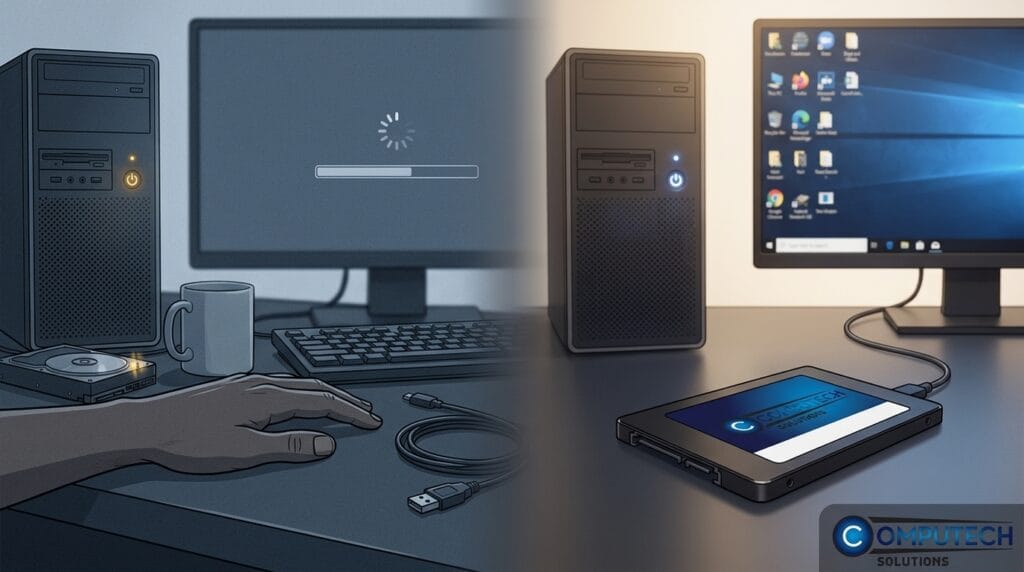
Upgrading to a fast SSD resolves desktop slowdowns caused by storage bottlenecks, improving boot and load times. Choose compatible SATA or NVMe SSDs, clone data easily, and boost performance cost-effectively.
Comprehensive Laptop Solutions: The Ultimate Guide to Device Longevity in 2026
Would you commit to the high cost of a brand new machine if a strategic component upgrade could double the life of your current device? Most South…
Slow PC? Upgrade These First for the Fastest Speed Boost

Upgrade RAM (8-16GB) and switch to an SSD for faster speed and boot times. Replace laptop batteries, use UPS/inverters for power backup, improve cooling, and upgrade to Wi-Fi 6 for better connectivity.
How to Replace a Laptop Hard Drive with an SSD: A Complete 2026 Upgrade Guide

The single most effective way to restore a sluggish laptop to peak performance in 2026 isn’t a factory reset or a costly new purchase; it’s a focused…
Making Your Old Laptop Faster: The Ultimate 2026 Revival Guide
Did you know that the combined cost of DRAM and SSD storage is projected to surge by 130% by the end of 2026? This massive price hike, driven by the…
Upgrading Old PC vs Buying New: A 2026 South African Guide

With DDR5 RAM prices surging by as much as 250% since late 2025, the traditional logic of simply replacing your computer has been completely…
Stop Downtime: What to Check Before a Device Failure Disrupts Your Work

Prevent device failure by regularly checking SMART drive health, replacing laptop batteries, using surge protectors, and installing UPS inverters for load-shedding. Upgrade to SSDs and quality chargers.
Stop Downtime Before It Starts: Your Pre‑Failure Device & Power Checklist

Prevent device downtime with proactive checks: maintain batteries, use surge protectors, invest in UPS/inverters, upgrade to SSD/NVMe, and ensure reliable connectivity. Shop Computech Solutions.
Before Your Device Fails: The Essential 12-Point Checklist for Uninterrupted Work

Prevent device failures with a 12-point checklist covering battery health, UPS/solar backups, surge protection, cooling, SSD/RAM upgrades, backups, repair parts, connectivity, and expert support from Computech Solutions.
Why Backup Power and Routine IT Upkeep Matter for Home Offices and IT Teams in 2026

Reliable backup power with UPS, LiFePO4 batteries, and surge protection, plus routine IT maintenance, ensure home offices and teams avoid downtime, maintain productivity, and future-proof operations.
The hidden costs of ignoring laptop maintenance and power protection

Neglecting laptop maintenance and power protection leads to costly downtime, data loss, and hardware failure. Regular upkeep, UPS, surge protectors, and reliable batteries ensure productivity and device longevity.