
Your laptop keeps slipping into battery saver mode just when you need it most—joining a call, finishing a project, or battling load-shedding. This constant throttling isn’t about saving power; it’s a sign your battery or charger is failing. Fixing the root cause means replacing that weak power source with a reliable battery or charger from Computech Solutions. Read on to learn how to spot the warning signs and keep your laptop running strong. For more information on dealing with battery saver mode issues, check out this link.
Everyday Laptop Frustrations
Let’s dive into the daily annoyance of a laptop slipping into battery saver mode at the worst times. This isn’t just an inconvenience; it’s a sign that something’s amiss with your power source.
Constant Battery Saver Alerts
Does your laptop constantly nag you with battery saver alerts? This usually means your battery isn’t holding charge like it used to. You might notice the battery percentage dropping faster than expected. These alerts are your laptop’s way of saying it needs more power to function efficiently. Ignoring this can lead to frequent interruptions in your workflow. A weak battery often can’t support the demands of your active applications, leading to automatic throttling.
Laptop Throttling Impact
When your laptop starts throttling, it slows down performance to conserve power. This can happen during important tasks, leaving you frustrated. Imagine preparing a presentation and suddenly your system lags. Throttling impacts productivity, especially when you need your device to perform at its peak. Look out for slower load times and lagging applications as signs of throttling.
Weak Battery Symptoms
A weak battery shows clear signs like a shorter runtime and needing frequent charges. You might find your laptop shutting down even when it shows a charge. These symptoms indicate that your battery isn’t storing power effectively. Repeated power-saving prompts are warning signals before the battery gives out completely. Addressing these can prevent unexpected shutdowns.
Diagnosing Power Source Issues
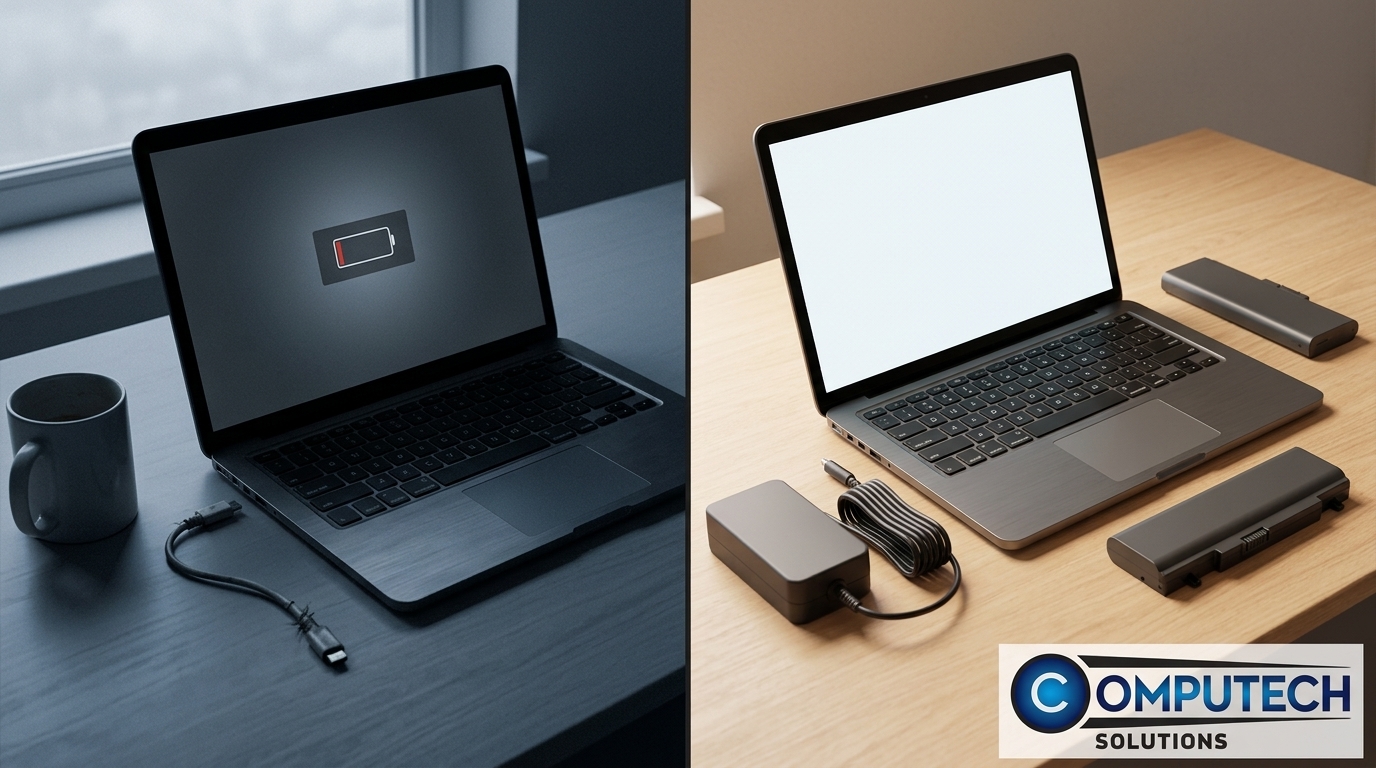
Determining the root cause of your laptop’s power issues is essential. Let’s explore the possible reasons for a short runtime and how to diagnose if it’s your battery or charger at fault.
Short Laptop Runtime Causes
A laptop with a short runtime can be frustrating. This could be due to an aging battery that no longer holds a charge or a faulty charger. Regularly needing to plug in your laptop is a significant indicator. If you notice your device’s runtime decreasing over time, it’s time to check your power source. Another cause could be background applications consuming more power than usual.
Battery Calibration vs Replacement
Battery calibration can sometimes restore function. This involves charging the battery fully and then using it until it drains completely. However, if calibration doesn’t improve runtime, a replacement might be necessary. Replacing the battery ensures your laptop receives a consistent power supply, preventing interruptions. A new battery often provides better capacity, extending your laptop’s uptime.
Laptop Power Troubleshooting Steps
To troubleshoot, start by checking the charger connections and inspecting the battery for swelling. Use a multimeter to test the charger’s voltage. If the charger is functional, focus on the battery. Consider seeking professional advice if you’re unsure. For more detailed steps, visit our blog post on extending laptop battery life.
Practical Solutions for Continuous Power
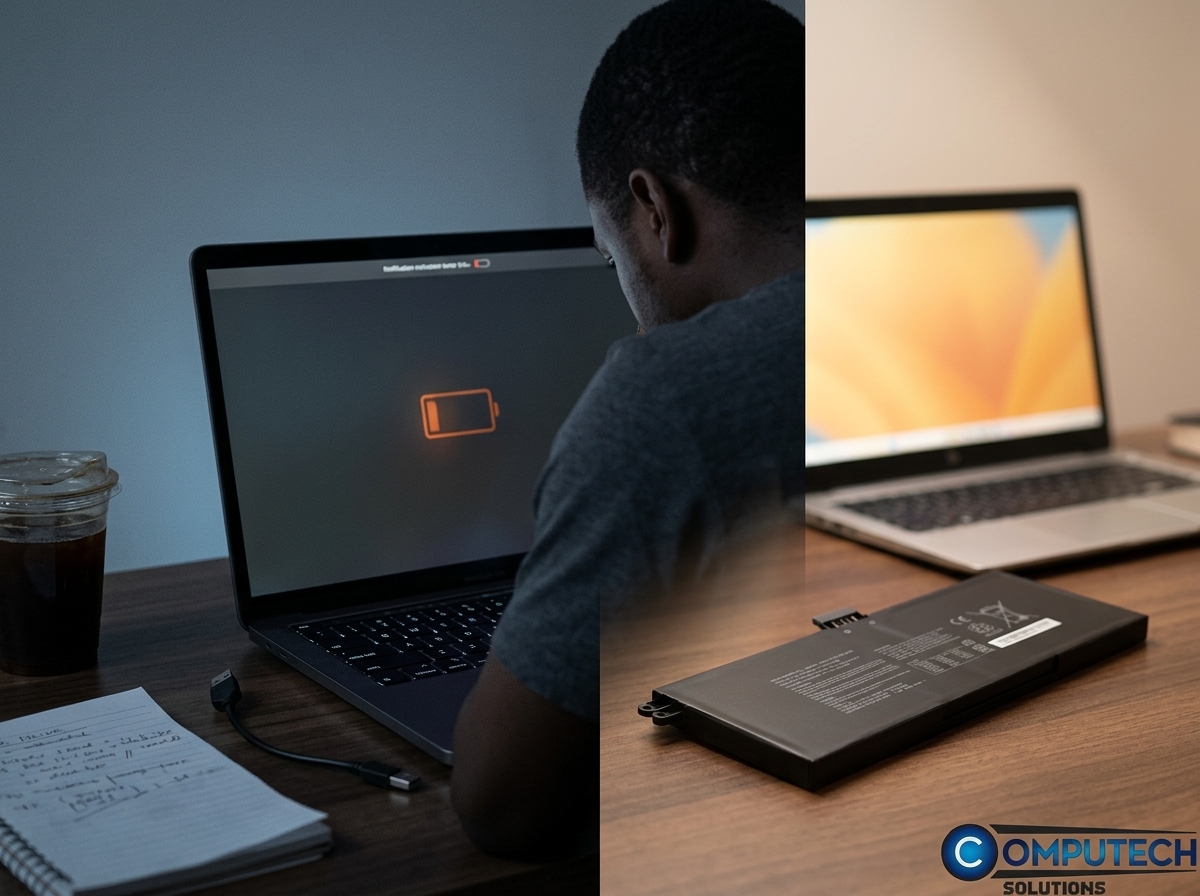
Ensuring your laptop stays powered is crucial for uninterrupted work. Here are practical solutions to address these power issues.
Replace Laptop Battery and Charger
Replacing weak components is often the best solution. A new battery or charger from Computech Solutions can restore your laptop’s performance. We offer high-quality generic replacements that fit most laptop models. Replacing these parts ensures your laptop receives the power it needs, preventing frustrating shutdowns. For more information, explore this Facebook group.
UPS for Laptops and Inverter Bundle
A UPS (Uninterruptible Power Supply) provides backup power during outages. Pairing it with an inverter bundle offers extended power solutions, perfect for load-shedding scenarios. These tools keep your laptop running, preventing data loss. Investing in UPS and inverter systems ensures that power interruptions don’t halt your work.
Nationwide Delivery SA Benefits
Computech Solutions offers nationwide delivery across South Africa, ensuring you get your replacements quickly. No need to worry about delays; our reliable delivery service ensures your laptop’s downtime is minimal. Trust in our efficient distribution to keep your device powered and ready.
Frequently Asked Questions
Why does my laptop keep going into battery saver mode?
Your laptop may enter battery saver mode due to a weak battery or inefficient charger. This mode conserves power when the battery cannot support full functionality, indicating the need for a replacement.
How can I test if my battery or charger is faulty?
You can test your charger with a multimeter to ensure it delivers the correct voltage. For the battery, look for signs like swelling or rapid discharge. Professional advice can also help confirm the issue.
What is the advantage of using a UPS with my laptop?
A UPS provides backup power during outages, ensuring your laptop remains operational. It’s especially useful in areas prone to load-shedding, as it prevents data loss and work interruptions.
How often should I replace my laptop battery?
Typically, laptop batteries should be replaced every 1-2 years, depending on usage. If you notice signs like reduced runtime or frequent charging, it’s time for a replacement.
What delivery options are available for laptop parts in South Africa?
Computech Solutions offers nationwide delivery across South Africa. This ensures you receive your laptop parts promptly, reducing downtime and keeping your device operational.
