
Power cuts don’t just darken your room—they bring your work to a standstill when your laptop dies and your router drops offline. For anyone working from home or managing IT teams, losing connectivity means losing momentum. A solar backup system keeps your laptop and router powered through load-shedding, so you stay connected and productive no matter what. Ready to cut downtime and keep your workday flowing? Find more information here.
Frustration of Losing Connectivity
Losing power can bring more than physical darkness. It disrupts key devices that keep your work moving forward. Imagine your day coming to a halt because of an outage.
Impact of Power Cuts on Work
Power cuts mean more than just lights out. They stop your laptop and router from working, halting essential tasks. You suddenly find yourself unable to access files or communicate with your team. Even a short outage can cost valuable time. This is especially true if you rely on constant connectivity to perform your job or run a business from home.
Common Devices Affected by Outages
The devices most affected include laptops and routers. When these shut down, your workday grinds to a stop. Laptops lose their charge quickly without backup. Routers, essential for internet connectivity, stop functioning, leaving you offline. Other important devices, like external monitors and printers, may also be affected, but keeping your laptop and internet running is usually the top priority for maintaining productivity.
Solar Backup System Solutions
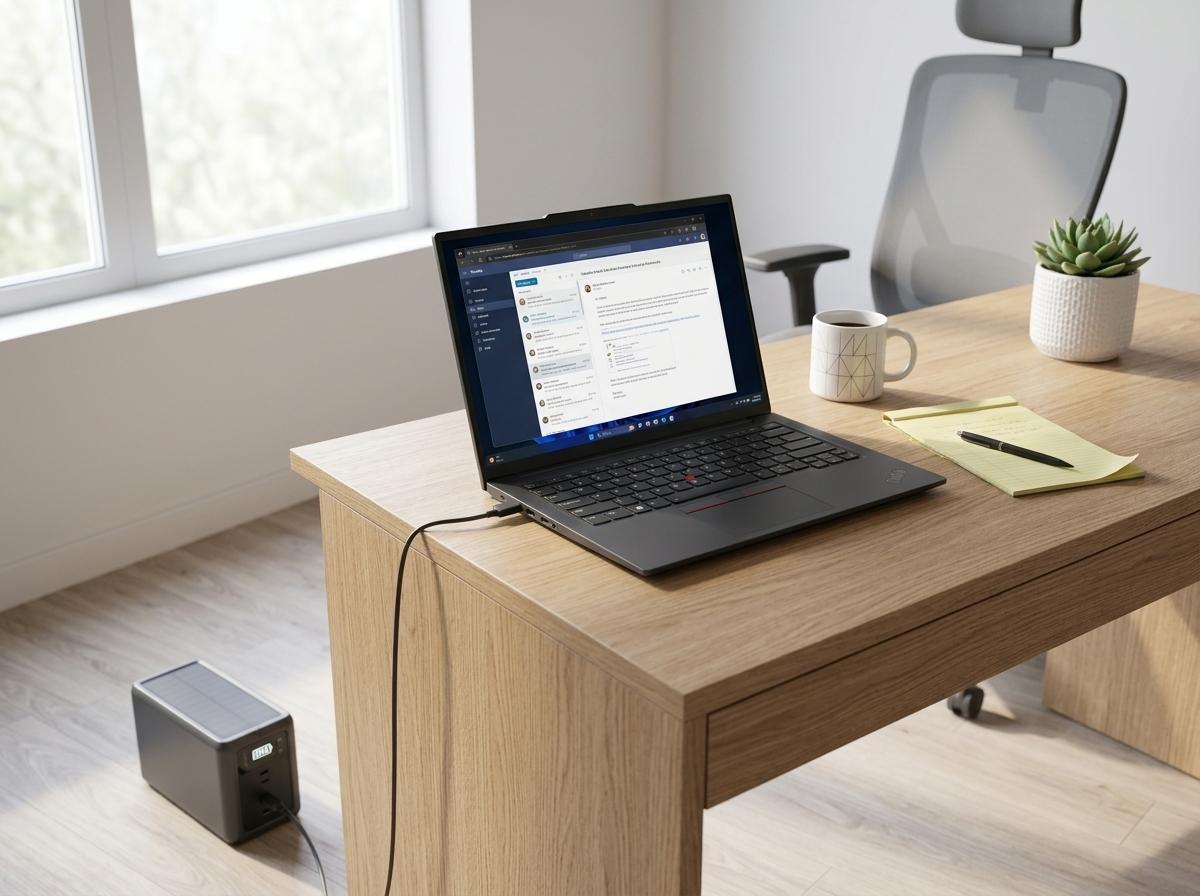
When power cuts strike, having a reliable backup can make all the difference. Solar backup systems offer a sustainable way to keep essential devices powered.
Essential Features and Benefits
Solar backup systems capture and store energy, ready to use during outages. They often include pure sine wave inverters, ensuring your devices receive stable power. Systems with LiFePO4 batteries provide long-lasting performance. Unlike traditional generators, solar systems are quiet and eco-friendly. They help you stay connected, maintaining productivity without noise or fumes. This means your laptop and router can keep running smoothly even during the longest outages. Discover more about portable power backup solutions here.
Choosing the Right System for You
Selecting the perfect system involves assessing your power needs. Consider what devices you need most during an outage. Think about the total wattage required and the runtime you expect. Some systems offer MPPT charge controllers for efficient charging. Look for a setup with a router UPS solution to keep your internet stable. It’s crucial to match the system size with your needs to ensure consistent performance. Consulting with a professional can help you choose wisely and avoid overspending.
Practical Steps to Stay Online
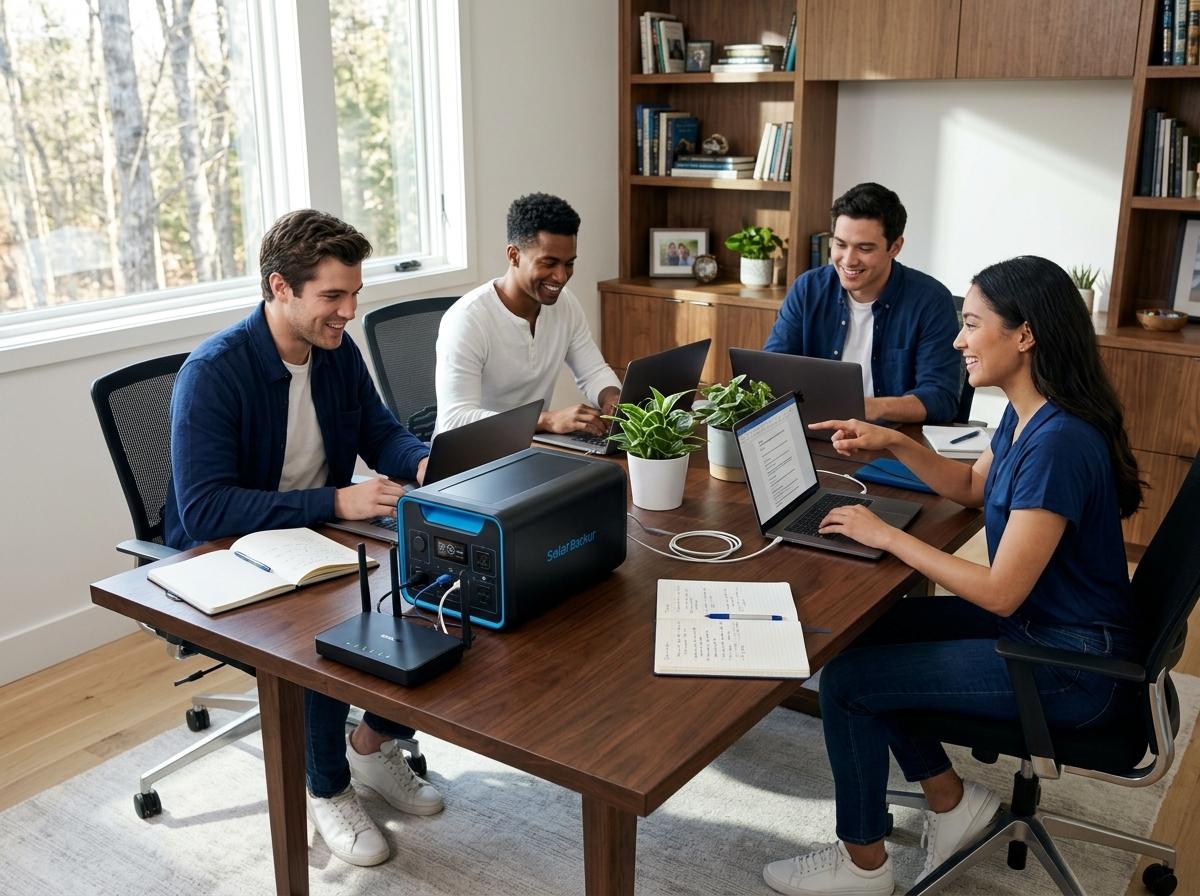
Staying online during a power cut doesn’t have to be complicated. Here’s how you can ensure you have the right backup system in place.
Quick Sizing Guide for Backup Systems
To size your system correctly, list your devices and their power ratings. Calculate the total wattage needed. For example, a laptop might need 60 watts, while a router may require 10 watts. Multiply this by the hours you’ll need during an outage. This gives you the total watt-hours your system should cover. Keep in mind that adding a little extra capacity can provide a buffer for unexpected needs.
Ensuring Reliable and Continuous Connectivity
For continuous connectivity, consider an inverter trolley for easy mobility. Test your system regularly to ensure it’s functioning as expected. Position your solar panels for optimal sunlight exposure, and maintain them for efficiency. Regularly check battery health, and replace it when necessary. By following these steps, you can enjoy uninterrupted work even when the grid is down.
🌞💻🔌
Frequently Asked Questions
How can I ensure my laptop and router stay online during a power cut?
Investing in a solar backup system with the right capacity can keep your devices running. Calculate power needs and choose a system with sufficient watt-hours.
What are the benefits of a solar backup system over traditional generators?
Solar systems are quiet, eco-friendly, and provide clean energy. They don’t produce fumes and are suitable for indoor use, unlike generators.
How do I choose the right solar backup system for my home office?
Consider the wattage of essential devices and the expected runtime during outages. Consulting a professional can help tailor a system to your specific needs.
What are key components of a solar backup system?
Key components include solar panels, an inverter, a charge controller, and batteries. LiFePO4 batteries and MPPT charge controllers are recommended for efficiency and longevity.
Do solar backup systems require a lot of maintenance?
Solar systems require minimal maintenance. Regularly clean panels, check connections, and ensure batteries are in good condition for optimal performance.
Get exclusive previews of our solar solutions at the expo.
