
You’re holding a replacement charger and ready to power up your laptop. But plugging it in without checking the laptop charger voltage first can lead to poor charging or even damage. The crucial step? Verify the voltage on the charger matches your laptop’s exact requirement. This simple check prevents costly mistakes and keeps your device safe—read on to learn how to do it right every time.
Understanding Laptop Charger Voltage
Ensuring the proper voltage match for your laptop charger is a crucial step in maintaining your device’s performance and safety. Let’s explore why this matters.
Importance of Voltage Matching
Voltage matching is essential for ensuring your laptop charges efficiently. When your charger’s voltage aligns with your laptop’s needs, it powers your device correctly without causing harm. Consider your charger as a bridge that ensures a smooth flow of energy. If the voltage doesn’t match, it’s like forcing the wrong key into a lock.
Common Mistakes to Avoid
One common mistake is assuming all chargers with the same plug type or brand will work. This often leads to mismatched voltages. Many people overlook the voltage label on the charger’s power brick, leading to improper connections. Another error is ignoring the power output, thinking it won’t impact the device’s performance.
Consequences of Incorrect Voltage
Using a charger with incorrect voltage can damage your laptop over time. It might cause your battery to overheat, reducing its lifespan. In some cases, it may even lead to a malfunctioning device. This highlights the importance of checking the voltage before plugging in any charger.
How to Check Your Charger Voltage
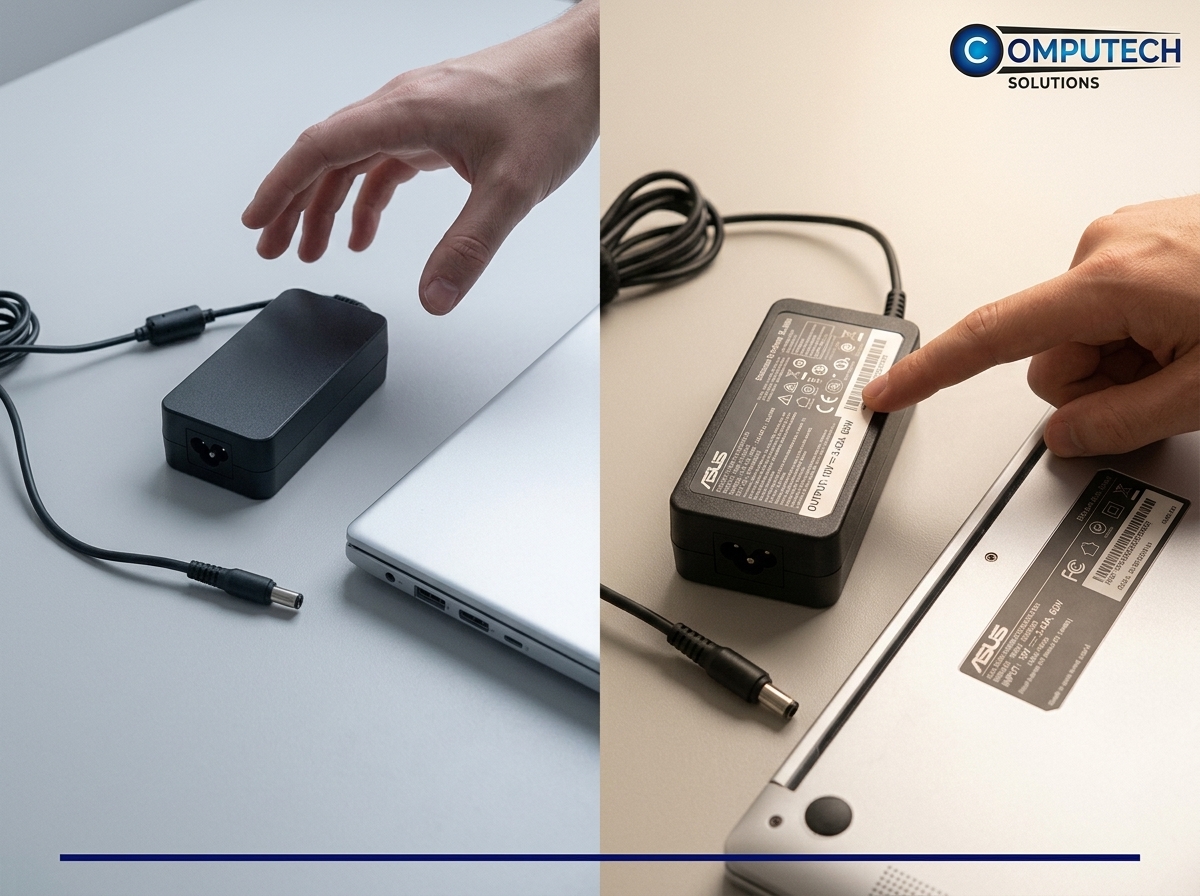
Now that you understand the importance of matching voltages, let’s walk through how to check your charger’s voltage to keep your laptop safe.
Identifying Charger Output
Locate the voltage label on your charger. It’s usually on the power brick or near the plug. You’ll find numbers followed by a “V” indicating the voltage. For instance, a label might read “19V,” signifying a 19-volt output. This is your first checkpoint.
Confirming Laptop Voltage Requirement
Next, confirm the required voltage for your laptop. This is often found on the laptop itself or its original charger. Look for a label near the power input or check your laptop’s manual. Ensure the numbers match the voltage on your replacement charger.
Calculating Wattage and Amperage
To further ensure compatibility, calculate wattage and amperage. Multiply the voltage by the amperage (often shown as “A”) to find wattage. For example, a 19V charger with 3.42A results in 65 watts. This helps confirm your charger’s suitability for your laptop.
Choosing the Right Replacement Charger
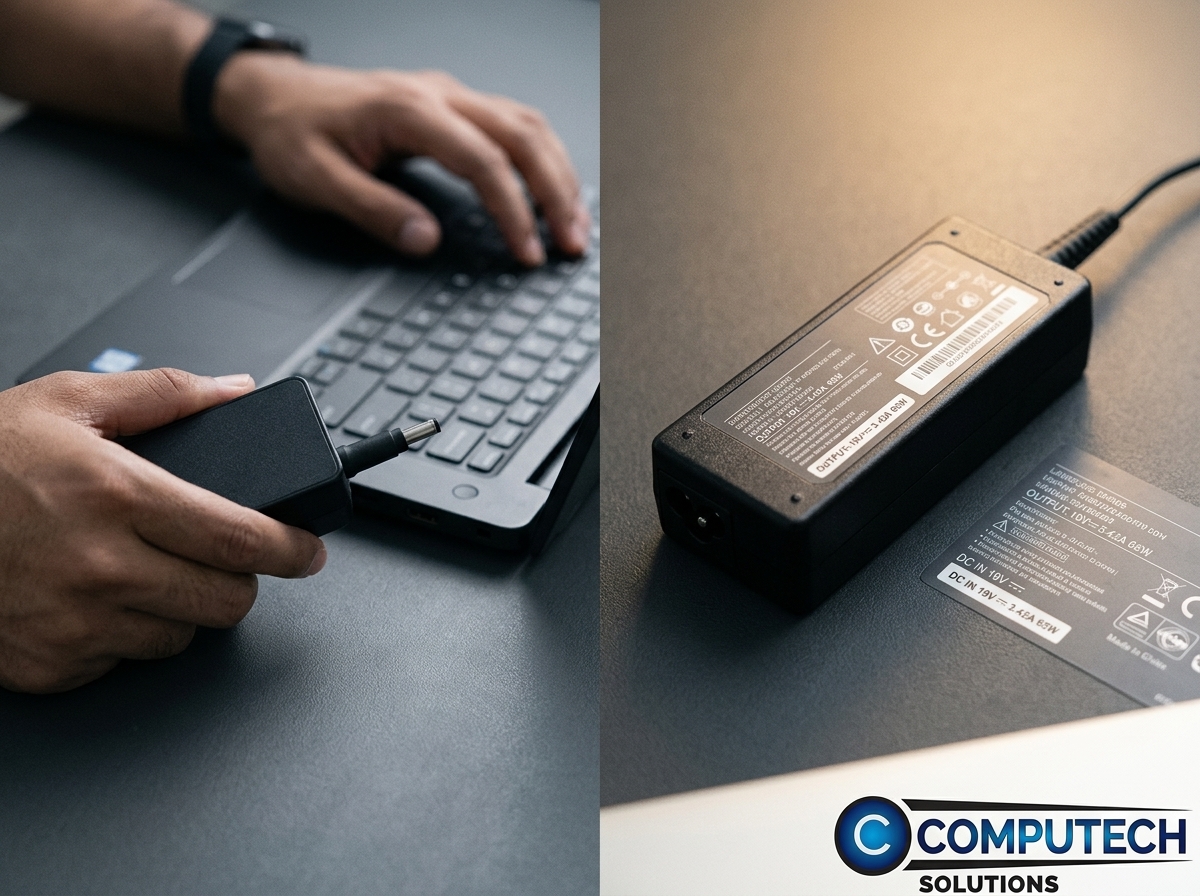
Choosing a charger that’s compatible and reliable is a must for maintaining your laptop’s health. Here’s how Computech Solutions can help you with that.
Features of Computech Solutions Chargers
Computech Solutions offers high-quality generic replacement chargers. These chargers are designed to match a wide range of laptop brands and models. Their chargers provide the necessary voltage and power specifications, ensuring safe and efficient charging.
Benefits of Safe Replacement Chargers
Using a safe replacement charger from Computech Solutions means peace of mind. You avoid the risks of damage and ensure long-term device performance. With their expert knowledge, you get chargers that are both reliable and affordable.
Special Offers and Nationwide Delivery 🚀
Take advantage of special offers and enjoy nationwide delivery. Computech Solutions provides a seamless online shopping experience, ensuring you get the right charger quickly and conveniently. Don’t wait until it’s too late; protect your laptop today.
Frequently Asked Questions
What happens if I use a charger with the wrong voltage?
Using a charger with the wrong voltage can damage your laptop. It can cause overheating, reduce battery life, or even make the device malfunction.
How do I find the correct voltage for my laptop?
Check the original charger or the label near your laptop’s power input. It usually states the required voltage in volts (V).
Can I use a charger with higher wattage?
Yes, a charger with higher wattage can be used if the voltage matches. The laptop will draw only the power it needs.
What is the difference between voltage and amperage?
Voltage measures electric potential, while amperage measures current flow. Both are crucial for determining a charger’s compatibility with your laptop.
Where can I buy a safe replacement charger?
You can buy a reliable replacement charger from Computech Solutions, offering high-quality, compatible options with nationwide delivery.
