
Many people think matching the charger tip alone is enough for a laptop charger replacement. That’s where most replacements fail, leading to unreliable charging or even damage. The real key is matching the voltage, amperage, and power output exactly to your laptop’s specs. This guide will show you how to read those crucial numbers and pick the right laptop power adapter the first time, keeping your device safe and powered up through anything—even loadshedding.
Common Mistakes in Charger Replacement
Replacing your laptop charger might seem simple, but it’s easy to make mistakes. Understanding these pitfalls can prevent damage to your device.
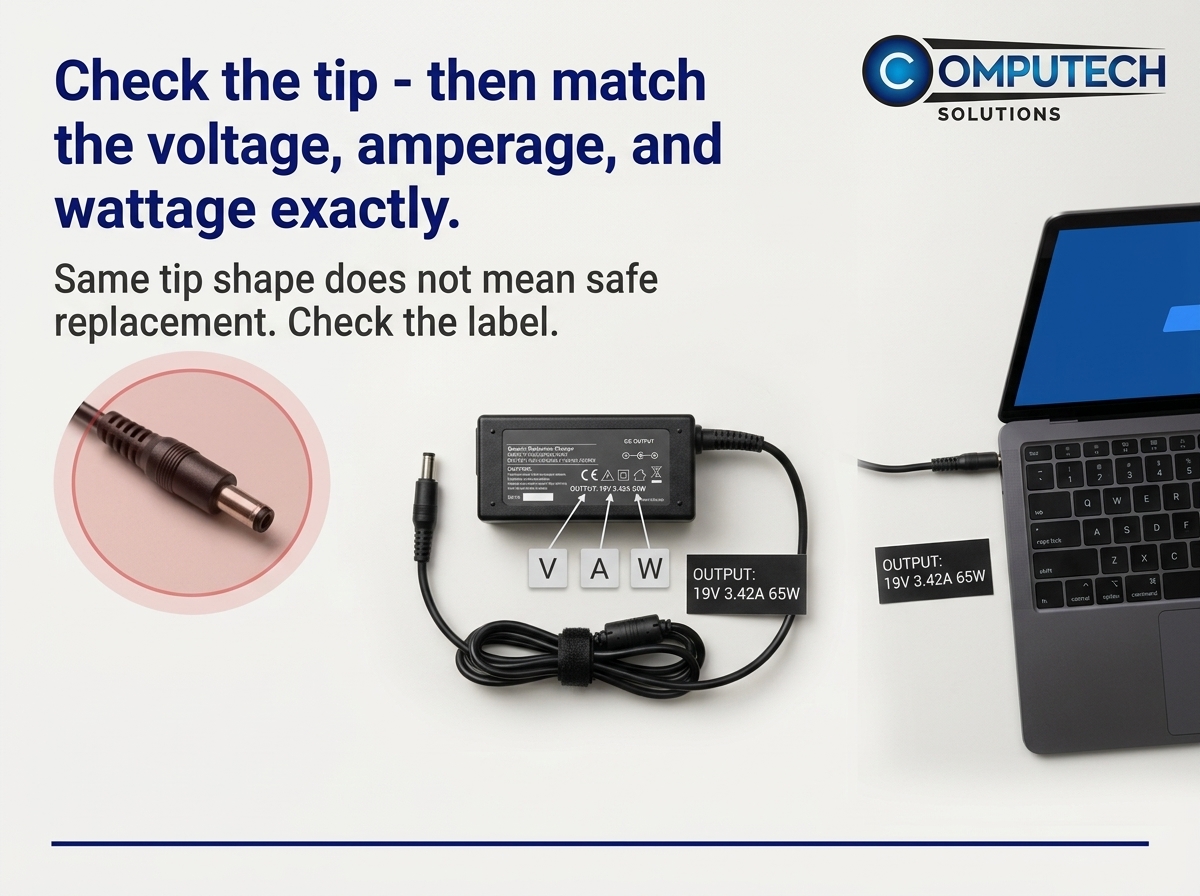
Misjudging by the DC Tip
Most people think that if the charger tip fits, it will work. That’s not always true. The same tip can be used for different devices with different power needs. This mistake can lead to a charger that doesn’t fit your laptop’s requirements, causing inefficient charging or potential damage.
Importance of Voltage, Amperage, and Wattage
These three elements are crucial when selecting a charger. Voltage is the amount of power the charger can provide, amperage is the current that flows to your device, and wattage is the total power output. Misjudging these can lead to a charger that doesn’t power your device properly, which can result in slow charging or even damage to the laptop.
Why Electrical Ratings Matter
Electrical ratings determine how well your charger will work with your laptop. Using the wrong ratings can lead to overheating or undercharging. This can shorten your laptop’s lifespan or even cause permanent harm. Knowing the right ratings ensures your device charges safely and efficiently.
How to Match Your Charger Correctly
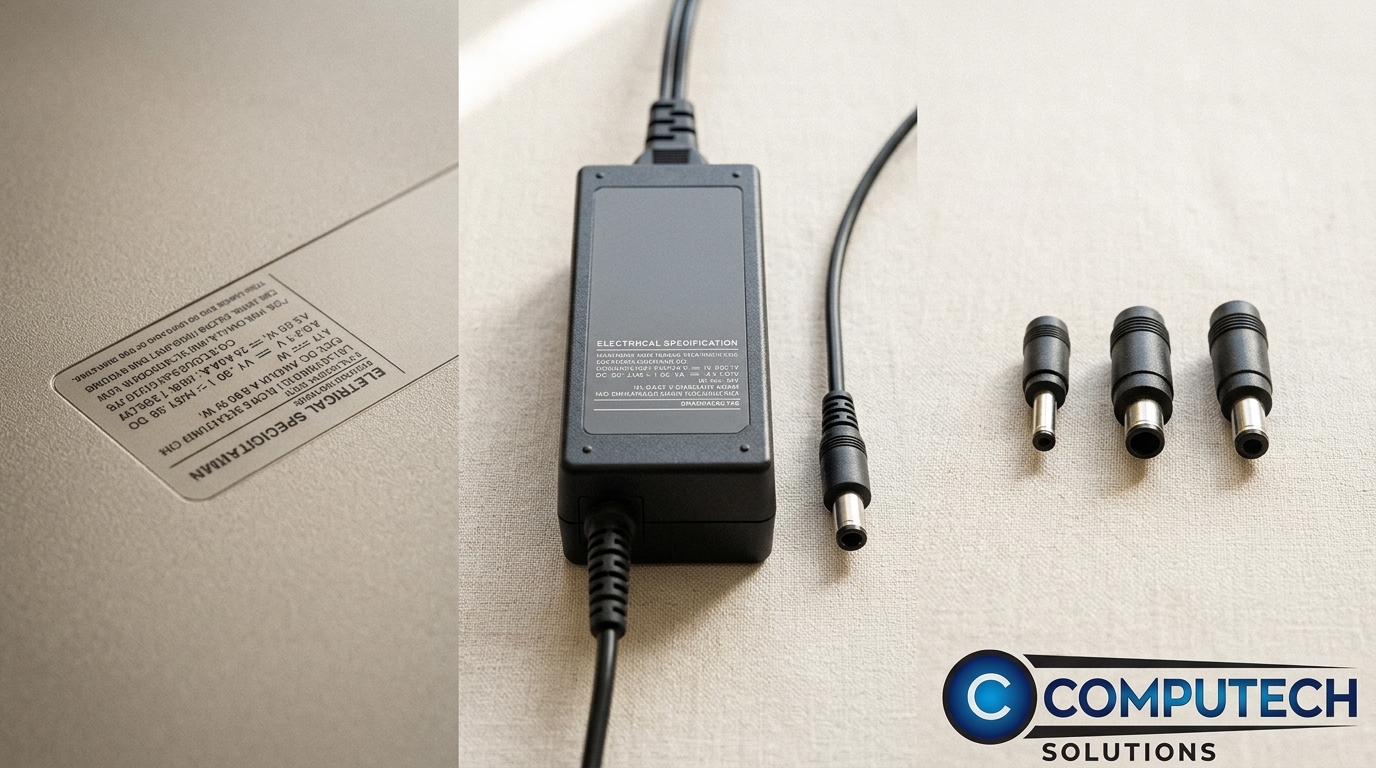
Once you are aware of the common mistakes, it’s time to learn how to choose the right charger. This section will guide you through finding and understanding the correct specifications.
Reading Your Old Charger Label
Your old charger has all the info you need. Look at the label for voltage, amperage, and wattage. These numbers are crucial. For example, if your old charger shows 19V, 3.42A, and 65W, your new one should match those exactly. This ensures compatibility and safe charging.
Understanding Voltage, Amperage, and Power Output
Each number on your charger label matters. Voltage indicates the power supply level. Amperage shows how much electric current flows to your laptop. Power output is the combination of these two, shown as wattage. Matching these numbers with your laptop’s requirements ensures optimal charging performance.
Creating a Compatibility Checklist
Here’s a simple checklist for choosing a charger:
Check the voltage: Must match your laptop’s requirement.
Verify the amperage: Should be equal or higher than needed.
Confirm the wattage: Must match the old charger.
By following this checklist, you minimize the risk of purchasing an incompatible charger.
Choosing the Right Charger for Your Needs
Now that you know how to match your charger’s specifications, let’s discuss why a high-quality generic charger might be the best choice for you.
Benefits of a Generic Laptop Charger
Generic chargers can be a practical solution. They are often less expensive than brand-name versions and can offer the same performance. Many users find them reliable for daily use. Plus, they are widely available and can be a convenient option when you need a quick replacement.
Avoiding Damage with Proper Charger Matching
Using the right charger is essential for your laptop’s health. A mismatched charger can lead to overheating, which can damage your laptop’s battery and overall performance. By ensuring a perfect match in voltage, amperage, and wattage, you protect your device from potential harm.
Reliable Solutions for Loadshedding and Backup Power
In areas prone to loadshedding, having a reliable power source is crucial. A compatible charger ensures your laptop stays powered, even during outages. Consider backup solutions like solar systems to maintain productivity. These options can provide peace of mind and keep your work uninterrupted.
Frequently Asked Questions
1. Can I use a charger with higher amperage?
Yes, a charger with higher amperage is generally safe. It allows your laptop to draw only the amount it needs without causing any harm.
2. What happens if I use the wrong voltage?
Using the wrong voltage can damage your laptop. Too high a voltage can cause overheating, while too low might not power the device effectively.
3. Are generic chargers safe for my laptop?
High-quality generic chargers can be safe and effective. Ensure they match your laptop’s voltage, amperage, and wattage to avoid any issues.
4. Why is matching wattage important?
Matching wattage is crucial because it ensures the charger provides enough power without overloading your laptop. This prevents damage and keeps your device running efficiently.
