
Your HP laptop dying halfway through the day isn’t a call for a new machine. It’s a worn-out battery dragging your workflow down. The fastest fix is a high-quality generic HP laptop battery replacement that restores full-day power without breaking the bank. Keep your HP ProBook, Pavilion, or EliteBook running smoothly with the right battery from Computech Solutions—no upgrade needed. Check out this helpful video on replacing your HP laptop battery to see how easy it can be.
Signs of a Failing HP Battery
Your laptop’s battery issues often signal the need for a replacement. Let’s explore common symptoms that indicate a failing HP battery.
Rapid Battery Drain
If your HP laptop’s battery depletes faster than expected, it’s a sign of battery degradation. You may have noticed that tasks like browsing or streaming videos drain your power much quicker than before. This is because, over time, battery cells lose their ability to hold charge, leading to shorter usage times. Most people think a quick fix or software update might solve this, but the root cause is often the battery itself.
Rapid battery drain can disrupt your daily routine. Imagine needing your laptop for an important meeting only to have it shut down unexpectedly. By addressing the issue early, you avoid being caught off guard. A high-quality generic HP laptop battery from Computech Solutions can restore your device’s full-day functionality. For more insights on battery compatibility, you can explore our detailed Laptop Battery Compatibility Made Easy guide.
Constantly Plugged In
Another red flag is needing to keep your laptop plugged in constantly. While it might seem like a convenient workaround, it actually indicates a failing battery. When your device can’t function independently of its charger, it’s time to consider a replacement.
Operating your laptop while it’s always charging can strain both the battery and the device’s components. This setup limits your mobility and can hinder productivity, especially if you rely on your laptop for remote work or on-the-go tasks. Think about how freeing it would be to move from one room to another without dragging a power cord. A new battery provides the freedom to work wherever you please, without being tethered to an outlet.
Replacing Your HP Laptop Battery
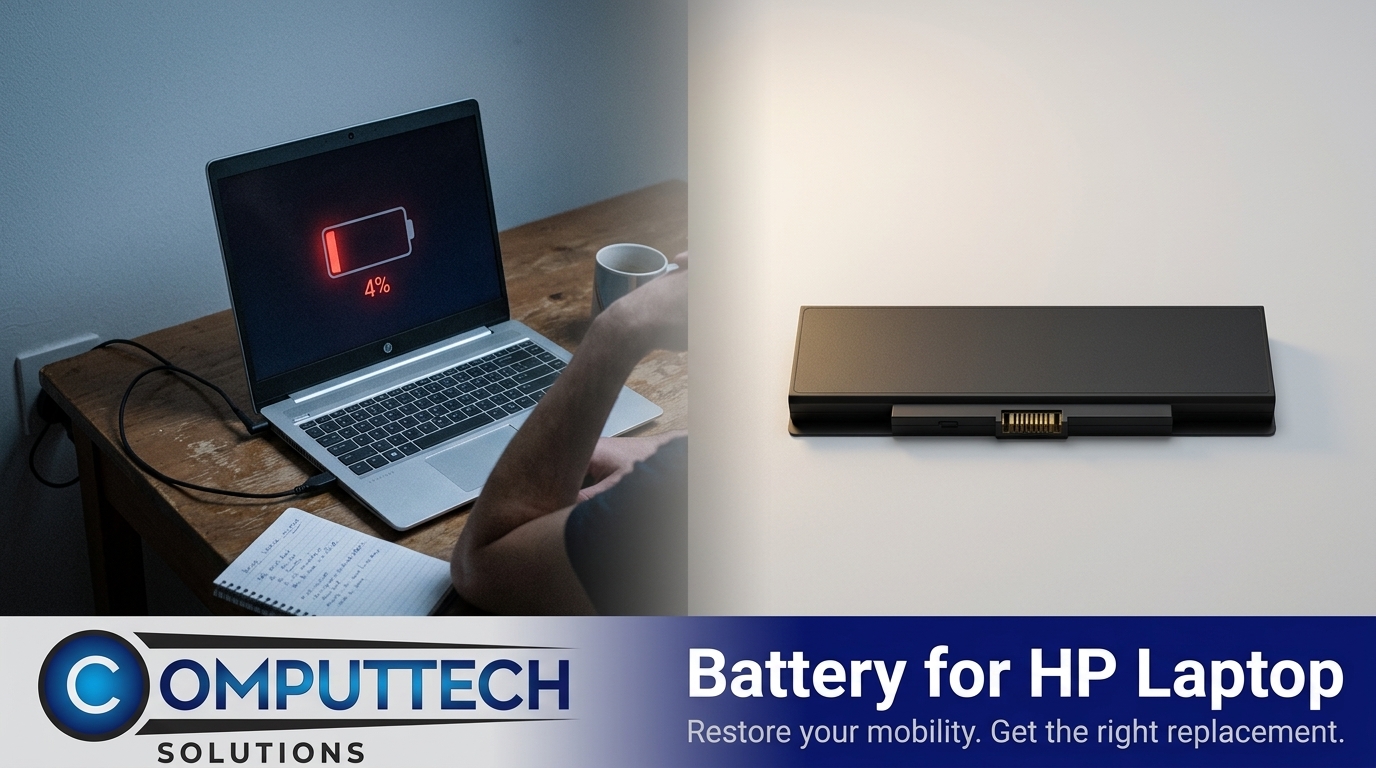
Addressing the issues above starts with finding the right replacement. Here’s how you can ensure a seamless transition to a new battery.
Identifying the Right Model
Finding the correct battery model is crucial for compatibility and performance. Your HP laptop has a specific battery that matches its model number. Check the battery itself or your laptop’s documentation for details like the model name, such as HP ProBook, Pavilion, or EliteBook. If you’re unsure, Computech Solutions offers a simplified guide to help you pinpoint the exact battery you need.
Once you have the model number, searching for a replacement becomes straightforward. Our selection of high-quality generic replacements ensures that you get a battery that fits perfectly and performs reliably. This step not only saves time but also prevents potential damage from incompatible parts. Remember, a well-matched battery keeps your HP laptop running smoothly.
Steps for Battery Replacement
Changing your laptop’s battery is simpler than you might think. Here’s a quick guide:
Power Down and Unplug: Ensure your laptop is off and disconnected from any power sources.
Remove the Old Battery: Locate the battery latch or screws, depending on your model, and gently remove the existing battery.
Insert the New Battery: Align the new battery with the slot, ensuring it fits snugly into place.
Secure and Test: Lock the battery into place and turn on your laptop to confirm proper installation.
With these steps, you can easily replace your battery and enjoy a device that operates like new. If you need visual assistance, this step-by-step tutorial provides a helpful walkthrough.
Benefits of a New Battery
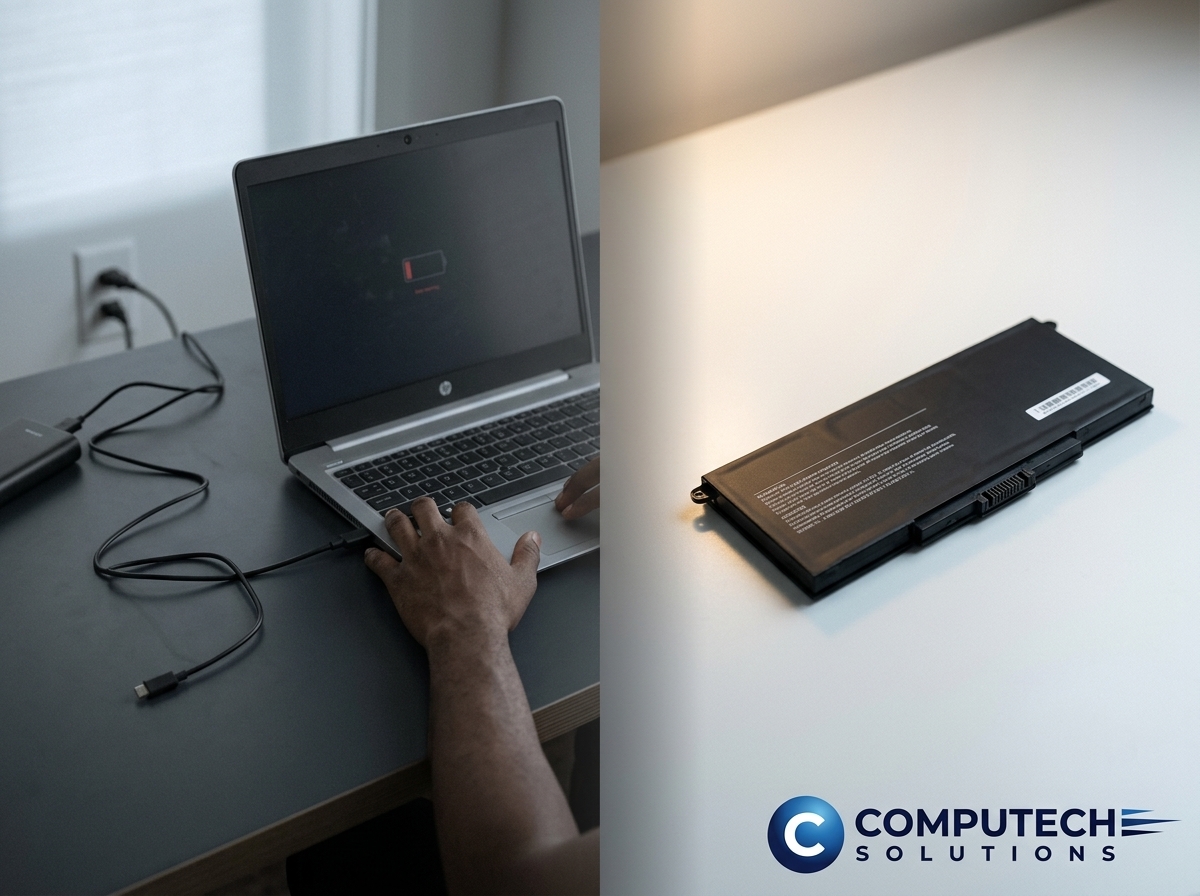
Upgrading your battery brings a host of advantages that enhance your HP laptop’s usability.
Restoring Mobility and Dependability
A new battery breathes life into your laptop, restoring its original mobility. No longer will you be tied to an outlet or worry about sudden shutdowns. This renewed reliability allows you to work or study from anywhere, whether you’re at home, in a café, or on a flight. For students and remote workers, this is a game-changer, offering flexibility in how and where you use your device.
Additionally, a reliable power source means your laptop can handle demanding tasks without faltering. From video conferencing to compiling reports, you can count on consistent performance throughout the day. This upgrade turns your laptop into a dependable partner, ready for any challenge.
Cost-Effective and Convenient Solution
Replacing your laptop’s battery is a budget-friendly alternative to purchasing a new device. High-quality generic options, like those from Computech Solutions, offer performance without the premium price tag. This cost-effective approach extends the life of your laptop, providing years of additional use.
Moreover, the convenience of online shopping makes acquiring a new battery simple. With nationwide delivery in South Africa, you can order from the comfort of your home and have it delivered directly to your door. It’s time to give your laptop the power boost it needs without breaking the bank.
Frequently Asked Questions
How can I tell if my HP laptop battery needs replacing?
If your battery drains quickly, requires constant charging, or your laptop shuts down unexpectedly, it’s time to consider a replacement.
What is the best way to find the right HP battery model?
Check your laptop’s documentation or the existing battery for model numbers. Computech Solutions offers a guide to help identify the correct match for your device.
Why choose a generic HP battery replacement?
Generic replacements offer similar performance to originals but at a lower price. They extend your laptop’s life without the high cost of brand-name parts.
Can I replace my laptop battery myself?
Yes, with the right tools and instructions, replacing your laptop battery is straightforward. Ensure the laptop is off, remove the old battery, and insert the new one.
Where can I buy HP laptop batteries in South Africa?
Computech Solutions offers a wide range of high-quality generic HP laptop batteries with nationwide delivery, ensuring you receive your replacement quickly and conveniently.
