
Your laptop battery replacement doesn’t have to be a guessing game. Choosing the wrong charger or part wastes time and money—and risks your device’s safety. This guide breaks down what matters: voltage, mAh cell count, and compatibility with your laptop power adapter. Read on to shop smart, avoid returns, and power through loadshedding with reliable gear from Computech Solutions online store.
Choosing the Right Laptop Battery
Finding the right laptop battery can make a big difference in your device’s performance. Let’s break down what you need to know to pick the perfect one.
Understand Battery Specifications
Knowing the specs of your laptop battery is crucial. Start by checking the voltage: common options are 11.1V, 7.6V, and 15.4V. This number must match your current battery to ensure compatibility. Next, look at the mAh cell count. A higher count means longer battery life between charges. Finally, do not forget the Li-ion or Li-polymer battery type, as this affects both performance and safety.
If you find these specs confusing, don’t worry. Many users have the same concern. To make it easier, note that your current battery label holds all the answers. Simply match these numbers when searching for a replacement, and you’ll be set.
Benefits of High-Quality Generic Batteries
High-quality generic batteries offer great value without breaking the bank. Many people think only original batteries are reliable, but generic replacements can perform just as well if they are of high quality. They are often cheaper and widely available in stores like Computech Solutions.
Why risk paying extra for a brand name when you can get a reliable generic battery? These batteries are thoroughly tested and meet safety standards, offering you peace of mind. Plus, with a proper match, they fit seamlessly into your laptop, providing the same power.
Avoid Common Compatibility Issues
No one likes the hassle of returning a battery due to compatibility issues. Ensure your new battery fits by double-checking the model number and specs. A common mistake is ignoring the wattage, voltage, and amperage. These should align with your laptop’s requirements. A mismatch can lead to problems or even damage.
Before buying, research compatibility thoroughly. You can find more tips on avoiding compatibility problems in this helpful guide. Taking the time to check these details will save you headaches later.
Selecting Compatible Chargers
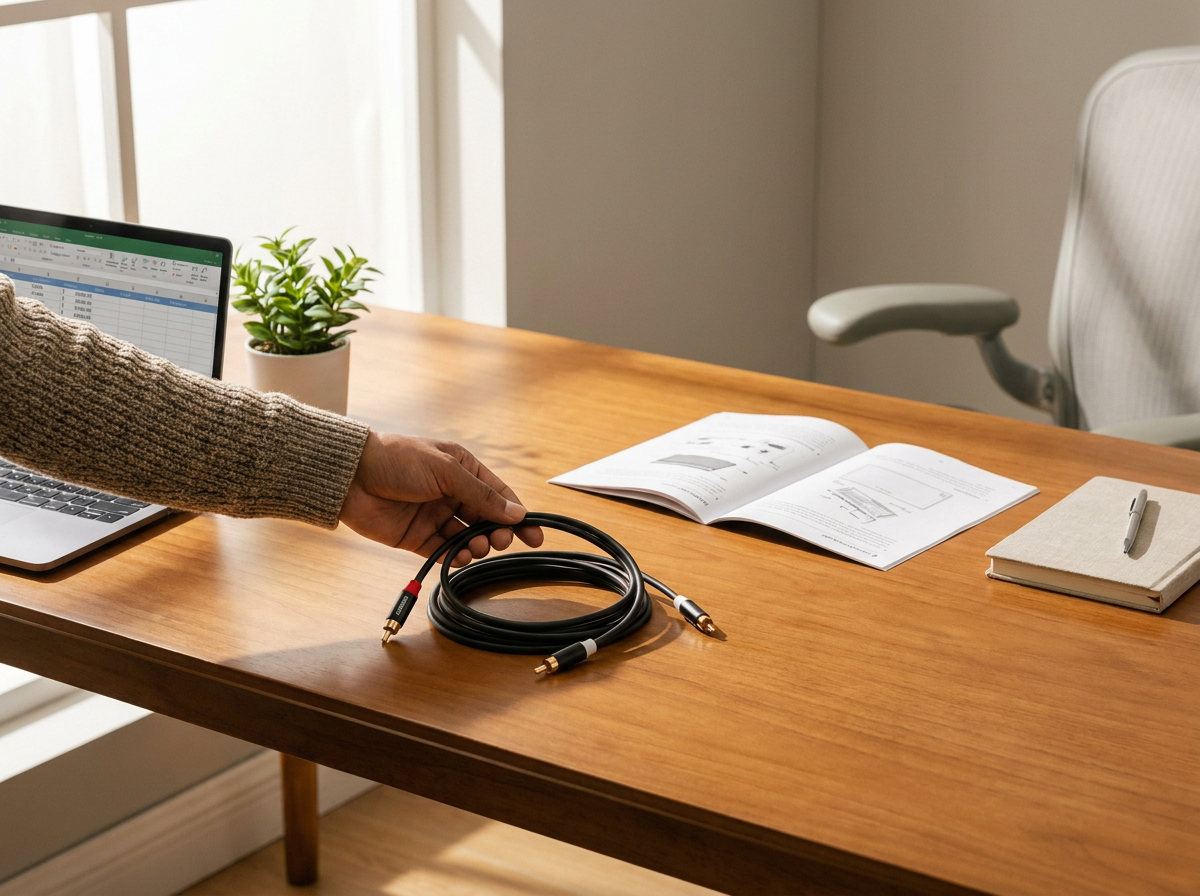
A good charger is essential for your laptop’s health. Learn how to select the right one to keep your device powered and safe.
Differences in Wattage and Voltage
Chargers come with different wattage and voltage specifications. Wattage indicates how fast your laptop can charge, while voltage must match your laptop’s needs. A 65W charger is common, but some laptops require a 90W charger for faster charging. Using the wrong charger can slow down charging or, worse, harm your laptop.
It’s easy to get confused, but remember: always check your laptop’s charger requirement label. Matching these specs will keep your laptop running smoothly.
USB-C PD Chargers Explained
USB-C PD chargers are becoming popular, offering fast charging and compatibility with many devices. They adjust power output, making them versatile. If your laptop supports USB-C PD, this type of charger could be a game-changer for you.
Switching to USB-C PD chargers means less clutter with more flexibility. With one charger for multiple devices, it’s a smart upgrade. Learn more about how these chargers work in this YouTube video.
Ensuring Charger Compatibility
Charger compatibility is about matching specs and ensuring the connector fits. Some newer laptops use different connectors, so a universal charger may not work. Always check the size and shape of the connector to avoid frustration.
A little research goes a long way. For more on selecting the right adapter, visit this buyer’s guide. Don’t leave compatibility to chance—your laptop’s performance depends on it.
Finding Essential Laptop Parts
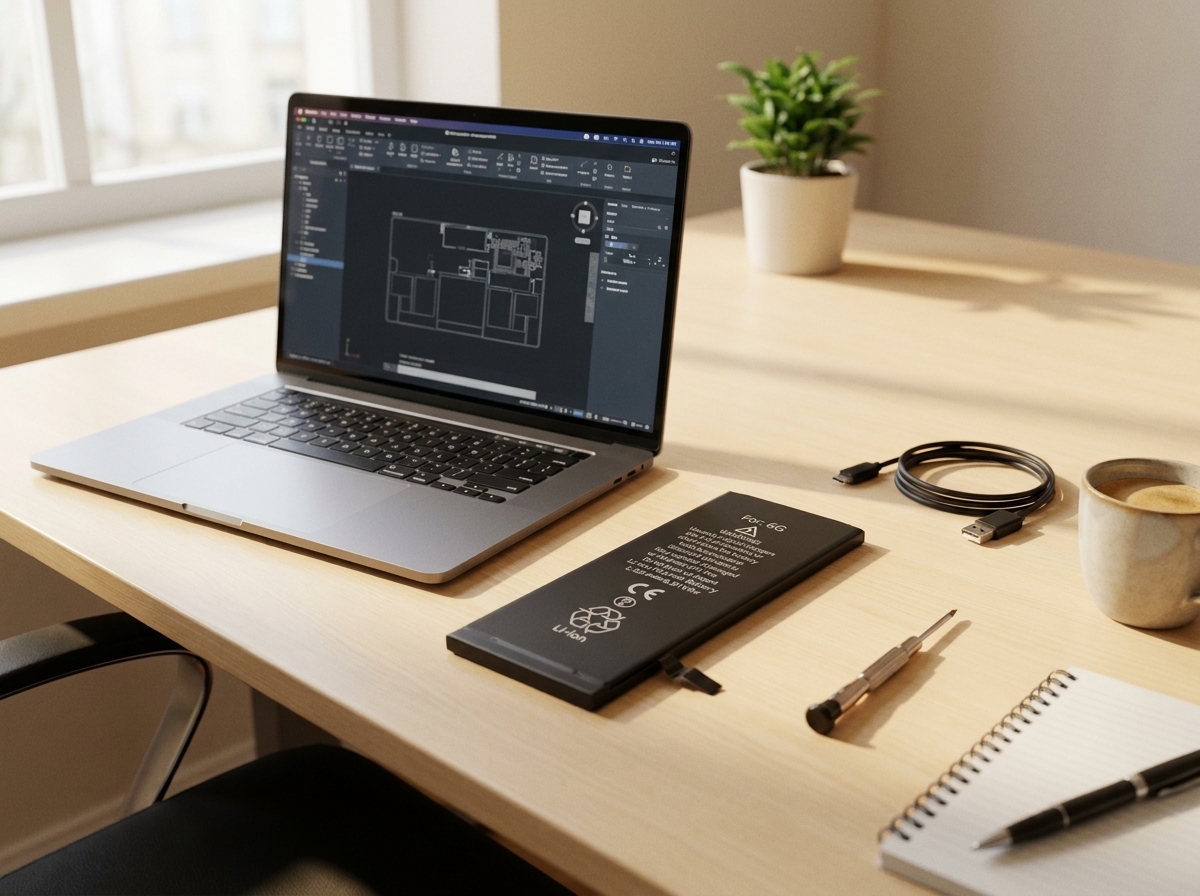
From LCDs to keyboards, having the right parts ensures you can make repairs without hassle. Here’s how to find what you need.
Top Laptop LCD and Keyboard Replacements
Replacing an LCD or keyboard might seem daunting, but it’s more straightforward than you think. First, identify the exact model of your laptop. With this info, finding compatible parts becomes much easier. Check out options for laptop LCD replacement and keyboard replacement at Computech Solutions.
Consider the benefits of upgrading: a new LCD can improve your viewing experience, while a fresh keyboard enhances typing comfort. Don’t settle for subpar performance when a simple replacement can make a difference.
Navigating Online Parts Shopping
Shopping for laptop parts online can feel overwhelming. Start by visiting trusted sites like Computech Solutions. They offer a wide range of parts to suit different needs. Use filters and search features to narrow down options.
Pay close attention to product descriptions and customer reviews. These insights can guide your choice and ensure you buy the right part the first time. Avoid the stress of returns by being thorough in your research.
Effective Parts for Loadshedding Backup
Loadshedding can disrupt your work, but with the right parts, you can stay productive. Consider investing in a reliable laptop DC jack repair or extra batteries for backup. These parts ensure you have power when needed most.
Secure your work setup with essential components to combat loadshedding. With the right preparation, you can power through outages without missing a beat.
In conclusion, smart shopping for laptop batteries, chargers, and parts can save you time, money, and frustration. Equip yourself with the right knowledge and gear from Computech Solutions to keep your laptop in top shape. Remember, the key to a smooth experience lies in the details—pay attention and choose wisely.
Explore reliable upgrades for your IT and energy needs.
