
Ignoring laptop maintenance and power protection can cost you more than you think. Dust buildup, overheating, and unstable power cause hardware failures that lead to frustrating downtime and lost files. You’ll learn how simple steps and smart products from Computech Solutions keep your laptop running smoothly and safe from loadshedding disruptions. Protect your investment before problems strike. For more insights, check out this article.
Hidden Dangers of Laptop Neglect
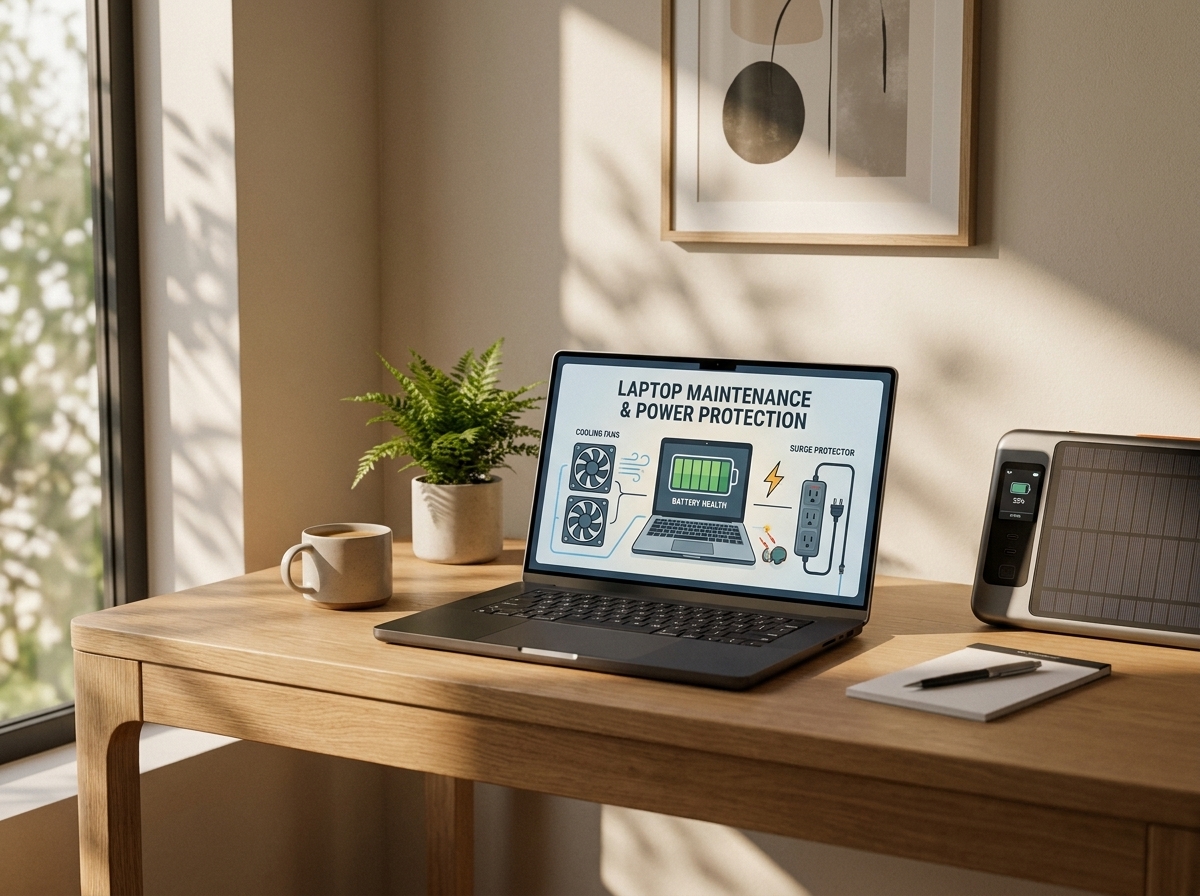
Ignoring the basic care of your laptop can lead to costly consequences. Dust, heat, and unstable power are silent dangers lurking around. Let’s explore how these issues can affect your device.
Dust and Heat Hazards
Dust is more than just a nuisance. It clogs your laptop’s cooling system, leading to overheating. When your laptop runs hot, components wear out faster, and performance drops significantly. Imagine watching your favorite show, and your laptop suddenly shuts down due to overheating. Frustrating, right? Keeping your laptop clean is crucial.
Regular cleaning prevents dust buildup. You can use a soft brush or can of compressed air to gently clean vents and surfaces. For a thorough job, consider professional services like laptop cleaning services. They ensure every nook is dust-free, enhancing your laptop’s lifespan.
Unstable Power Risks
Power surges and outages pose serious risks. They can fry your laptop’s circuits or cause abrupt shutdowns, leading to data loss. In South Africa, where power disruptions are common, having a reliable power backup is essential.
Invest in a surge protector to guard against sudden spikes. A UPS for laptops offers an added layer of protection, giving you time to save work during outages. Don’t let unstable power catch you off guard.
Preventative Measures Checklist

Taking proactive steps can save you from costly repairs and downtime. Here’s a checklist to keep your laptop in top condition.
Laptop Cleaning Service Tips
Schedule Regular Cleanings: Every six months, give or take, consider a professional cleaning service. This helps maintain optimal airflow.
DIY Maintenance: Use compressed air on vents weekly to prevent dust buildup. It’s an easy habit with big benefits.
Inspect Fans and Vents: Listen for unusual noises. If you notice your fan working harder than usual, it might be time for a cleaning or replacement.
Power Protection Essentials
Use a Surge Protector: Essential for any electronics, a surge protector saves your laptop from sudden voltage spikes.
Consider a UPS: For areas prone to loadshedding, a UPS is a lifesaver. It keeps your laptop running when the power cuts out.
Back Up Data Regularly: Use cloud services or external drives. Should power issues arise, your data remains safe.
Product Recommendations

Equip yourself with the right products to protect your laptop and ensure seamless operation.
Backup Power Solutions
During loadshedding, keeping your devices powered is a priority. A DC UPS for your WiFi router ensures connectivity, while a small inverter keeps essential electronics running. These tools are vital for a productive home office.
Quality Replacements and Kits
When it’s time for replacements, choose wisely. Computech Solutions offers high-quality laptop battery replacements and chargers. These products are reliable and durable, ensuring your device gets the best care.
Don’t wait for problems to strike. Protect your laptop today and enjoy peace of mind knowing your device is safe and ready for anything. With Computech Solutions, you’re always one step ahead. 🛡️💻🔌
Don’t risk downtime – protect your systems now.
