
A slow laptop or desktop drags down your productivity and patience. Upgrading the right parts first can cut boot times and speed up your workflow dramatically. This guide shows which upgrades deliver the biggest boost fast, from RAM and SSDs to laptop batteries and backup power. Ready to speed up your device? Shop RAM, SSDs, and quality generic laptop batteries and chargers at Computech Solutions. Add to cart now. Sale! Check out this discussion for more insights.
Essential Upgrades for Speed Boost
Upgrade RAM for Better Performance
Feeling frustrated with your slow laptop? Upgrading the RAM can provide an instant speed boost. Adding more RAM allows your computer to handle more tasks at once. Without enough RAM, your system can slow to a crawl, especially if you like to keep many tabs open or run heavy programs. Consider upgrading to at least 8GB if you’re currently running on 4GB. Many users find this simple upgrade transforms their computing experience.
Not sure how much RAM you need? Take a look at the specific requirements for the software you use most. Programs like photo editing or gaming demand more memory. For most users, 16GB is a sweet spot for smooth performance. Remember, the more demanding your tasks, the more RAM you need. Before you start, check your device’s maximum RAM capacity to ensure compatibility.
SSD Upgrade for Faster Load Times
Tired of waiting for your computer to boot up? An SSD upgrade might be the solution. Replacing your old hard drive with a Solid State Drive can cut boot times significantly. Unlike traditional drives, SSDs have no moving parts, which makes them faster and more reliable.
There are two main types to consider: SATA SSDs and NVMe SSDs. SATA SSDs are a great starting point if you’re upgrading from an old hard drive, while NVMe SSDs offer even faster speeds. If you’re looking to increase your storage and speed up your system, an SSD upgrade is a must. Plus, the installation is straightforward for most users. Once installed, you’ll notice applications and files opening much quicker, making every task more efficient.
Reliable Power Solutions During Loadshedding

When power cuts strike, staying productive can be a challenge. Reliable power solutions keep your devices running smoothly. Here’s how to keep your laptop powered up and ready.
Laptop Battery Replacement and Charger Options
Is your laptop battery not holding charge? Replacing it with a high-quality generic battery can extend your device’s life. At Computech Solutions, we offer affordable replacements that fit various models. Pair your new battery with a reliable laptop charger to ensure you’re never caught off guard.
When choosing a new battery, look for one with a higher mAh rating for longer life. A new battery can give you hours of use, even when you’re on the go. Don’t forget to invest in a charger that matches your laptop’s power requirements. This small but vital detail ensures efficient charging and prolongs battery life.
Backup Power Choices: UPS and Inverter Kits
If you’re affected by loadshedding, consider investing in a UPS or an inverter kit. These devices provide backup power, keeping your laptop and other essentials running during outages. A UPS offers short-term power, ideal for saving work and shutting down safely. An inverter kit can keep your essentials powered for longer periods.
When selecting a backup solution, evaluate your power needs. A basic UPS is perfect for brief interruptions, while an inverter is better for extended outages. Consider your budget and the devices you need to support. These investments can keep your productivity on track, no matter the circumstances. Explore this video for a detailed guide.
Enhance PC Performance and Longevity
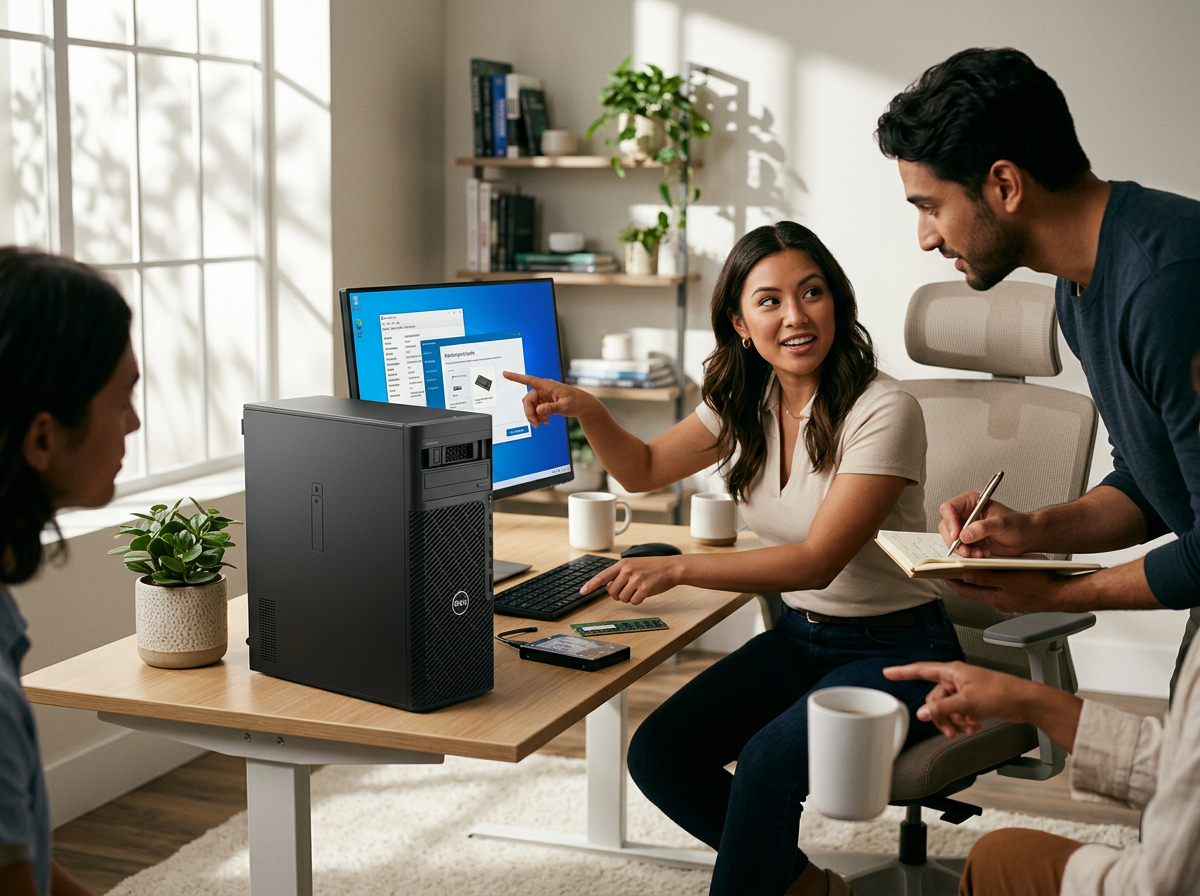
Upgrading components is one step, but maintaining performance is key. Let’s explore solutions to keep your PC running smoothly over time.
Cooling Solutions: Thermal Paste and Fans
Overheating can slow down your PC significantly. Keeping your system cool is crucial for maintaining performance. Applying new thermal paste to your CPU and adding extra cooling fans can lower temperatures.
Thermal paste improves the heat transfer between your CPU and its cooler. If it’s been a while since your last application, consider refreshing it. Additional fans help circulate air, preventing heat buildup. By maintaining a cool environment, you extend your computer’s life and enhance performance. Don’t underestimate the power of proper cooling!
Wi-Fi 6 Upgrade for Better Connectivity
Struggling with slow internet on your device? A Wi-Fi 6 upgrade can boost your connectivity. Wi-Fi 6 offers faster speeds and better performance, especially in crowded networks. This upgrade is ideal if multiple devices are connected to your network.
Switching to Wi-Fi 6 is straightforward. You’ll need a compatible router and a device that supports this standard. Once set up, you’ll enjoy faster downloads, seamless streaming, and smoother online gaming. Stay connected without the frustration of lag and buffering.
By focusing on these upgrades and solutions, you can transform your slow laptop or desktop into a high-performance machine. The longer you wait, the more productivity you lose. Start with these essential upgrades today and experience the difference. Want more tips? Check out our comprehensive guide here.
🖥️🔋💡
Upgrade now during our Mid-year Tech Sale – save on top IT gear.
