
Your laptop dying too soon is rarely about the device itself. Most often, the battery health hides in plain sight, wearing down after years of daily use and repeated charges. A quick battery health check can pinpoint if your laptop battery is the real culprit behind those fast drains and unexpected shutdowns. Keep reading to learn a simple test that shows when it’s time for a laptop battery replacement—and how Computech Solutions can help you get back to work without delay. For additional guidance, you can explore this link.
Quick Battery Health Check
Checking your battery’s health can clarify why your laptop isn’t lasting as long as it used to. This quick guide will show you how to determine if it’s time to replace your battery.
Signs of a Fast-Draining Laptop
Does your laptop battery seem to drain faster than usual? This might be a sign that your battery is wearing out. You might notice that your laptop doesn’t last through your usual work session. Often, after years of charging, the battery capacity reduces significantly. If your laptop powers off suddenly or the charge indicator is unreliable, you likely have a battery problem. These signs should prompt you to check your battery health.
Windows Battery Report Guide
For Windows users, checking the battery’s condition is straightforward. Windows offers a built-in tool to help you. To access this report, type “cmd” in the search bar, right-click on Command Prompt, and select “Run as administrator.” Type powercfg /batteryreport and hit enter. This will generate a report in your user folder. Look for “Battery capacity history” and “Battery life estimates” sections. If the numbers show a significant decline from the original capacity, it’s time to consider a replacement. For further details, visit PCMag’s guide.
Mac Battery Cycle Count Check
Mac users can also easily check their battery health. Click the Apple menu, select “About This Mac,” then “System Report.” Under “Hardware,” click “Power” to see your battery’s cycle count. Apple suggests replacing a battery once it reaches a specific cycle count, typically around 1000 cycles. If your cycle count is high, your battery is likely to drain quickly. This means a replacement might be necessary soon. For more tips, you can also watch this helpful YouTube video.
Identifying the Need for Replacement
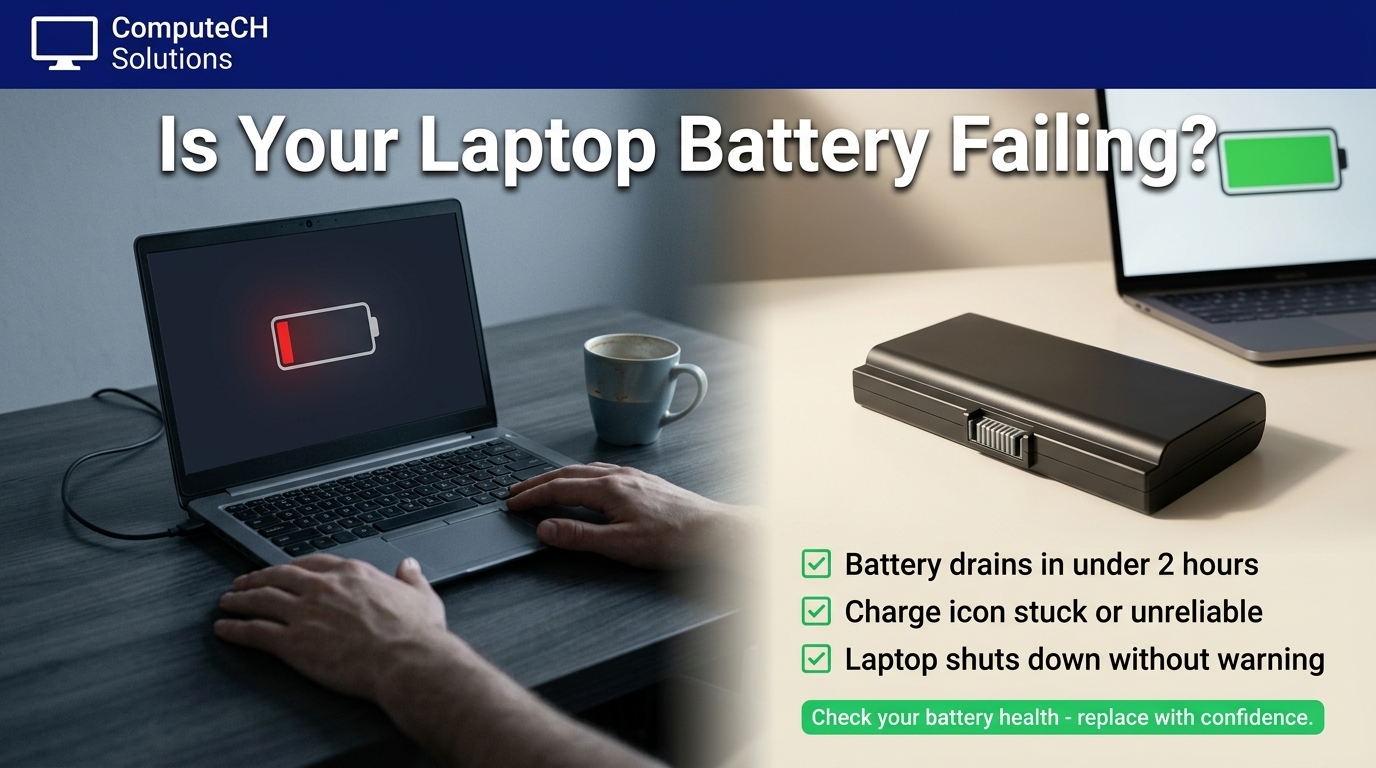
Understanding when a laptop battery needs replacing can prevent unexpected shutdowns and interruptions in your work.
Recognizing High Laptop Battery Wear Level
Wear levels indicate how much a battery’s capacity has diminished. If your battery has over 20% wear, it’s likely reaching the end of its lifespan. This is a clear sign you need to consider a replacement. Regular checks help you catch this early, avoiding disruptions. For more insights, check out this HP support document.
When Laptop Shuts Down Unexpectedly
Unexpected shutdowns are frustrating. They often happen when a battery can no longer hold enough charge. If your laptop turns off without warning, even when the battery appears to have charge, it’s a strong indicator of battery failure. Ensuring you have a reliable battery keeps your work uninterrupted and your laptop functioning properly.
Choosing a Compatible Laptop Battery Replacement
When selecting a new battery, compatibility is key. It’s important to choose a high-quality generic option that matches your laptop’s specifications. At Computech Solutions, we offer a range of reliable generic laptop batteries in South Africa. Our nationwide delivery ensures you get the right battery quickly.
Solutions for Reliable Power
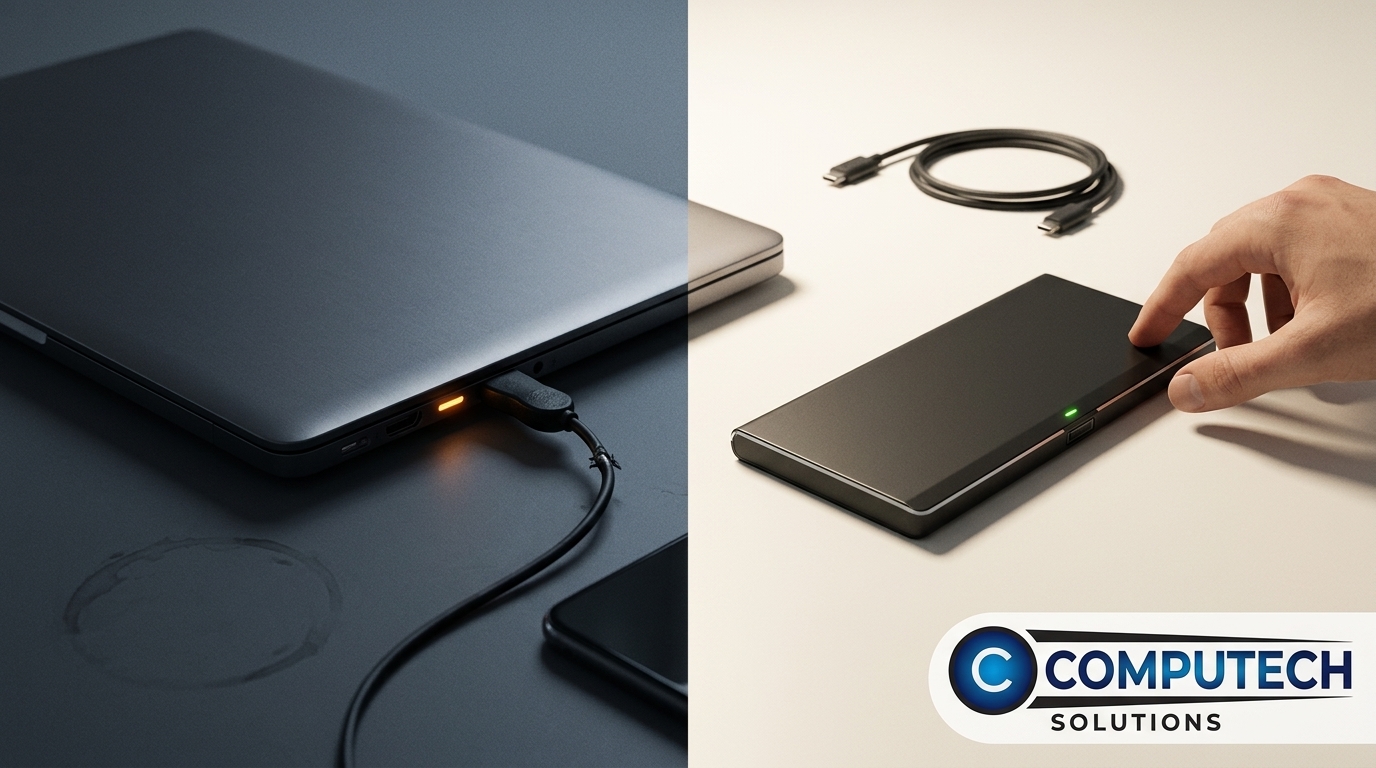
Once you’ve checked your battery, consider additional power solutions to keep your laptop running smoothly.
USB-C PD Charger Options
A USB-C PD charger can be a versatile power solution. It charges faster and supports a range of devices. Look for chargers that deliver at least 30W for optimal performance with laptops. A reliable charger ensures your device charges efficiently and prevents power issues.
Loadshedding Backup for Laptop
Loadshedding can disrupt your work unexpectedly. A robust backup system, like a solar or battery setup, ensures your laptop stays powered. These systems provide a steady power supply during outages. At Computech Solutions, we can quote you on solar and backup systems that fit your needs.
UPS and Inverter for Home Office
If you work from home, investing in a UPS or inverter can prevent power-related disruptions. These devices keep your laptop and other essential electronics running during power cuts. A UPS provides immediate backup power, while an inverter can sustain devices for longer periods.
Frequently Asked Questions
How do I check my laptop battery health on Windows?
To check your battery health on Windows, open Command Prompt as an administrator, type powercfg /batteryreport, and hit enter. This generates a report in your user folder.
What is a high cycle count for a Mac battery?
A high cycle count is typically around 1000 cycles. When your Mac’s cycle count reaches this number, it’s time to consider a battery replacement.
What does a high wear level indicate for a laptop battery?
A high wear level, over 20%, means your battery’s capacity has significantly decreased. This often leads to faster draining and unexpected shutdowns.
How can I prevent power disruptions during loadshedding?
Investing in a solar or battery backup system ensures your devices remain powered during loadshedding. Computech Solutions can provide a tailored quote to fit your needs.
Why is my laptop shutting down unexpectedly?
Unexpected shutdowns may signal a failing battery. If your laptop turns off without warning, even with charge, your battery likely needs replacement.
