
BatteryInfoView Guide: Diagnose a Dying Laptop Battery and Get the Right Replacement Fast

BatteryInfoView helps diagnose failing laptop batteries showing signs like quick drain or shutdown when unplugged. Choose compatible, high-quality generic replacements from trusted suppliers like Computech Solutions for reliable, cost-effective power restoration.
Battery saver mode Android: Quick wins and the real fix for all‑day power
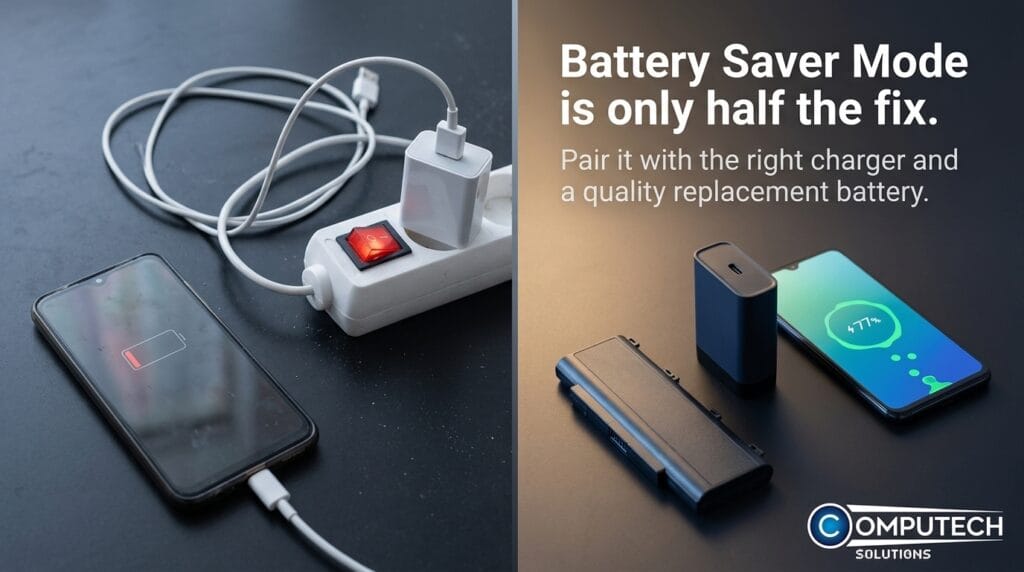
Battery saver mode on Android extends battery life by limiting background activity and dimming the screen but isn’t a permanent fix. Combine it with screen/connection tweaks, quality chargers, or battery replacement for all-day power.
How to Turn Off Battery Saver on Android (Fast Fix + Power Tips)
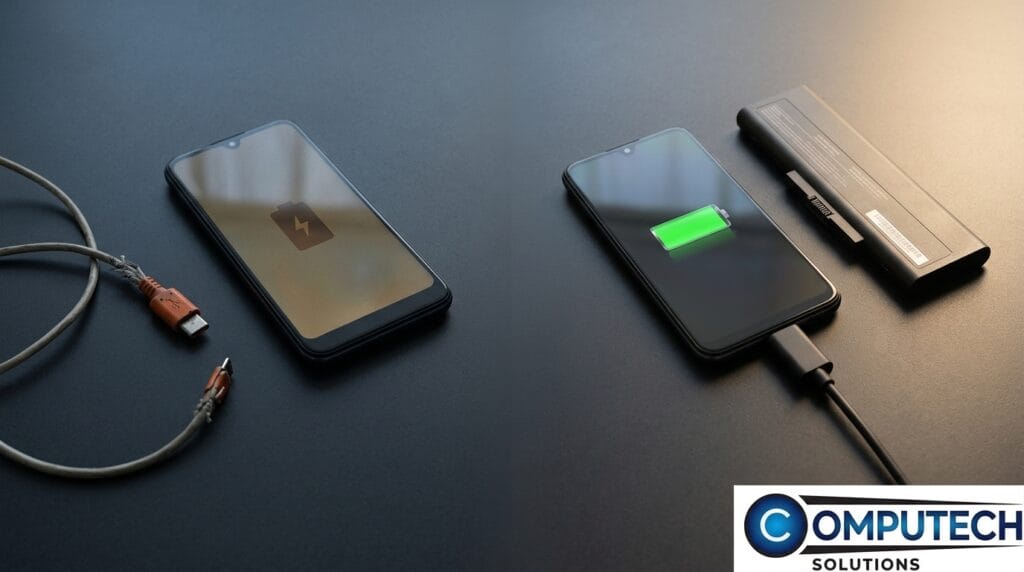
To turn off Android battery saver, go to Settings > Battery > Battery Saver and toggle off. Frequent activation may indicate battery or charger issues. Use quality USB-C fast chargers and power banks to improve performance and reliability.
How to Turn Off Battery Saver on iPhone: Fix Low Power Mode Fast
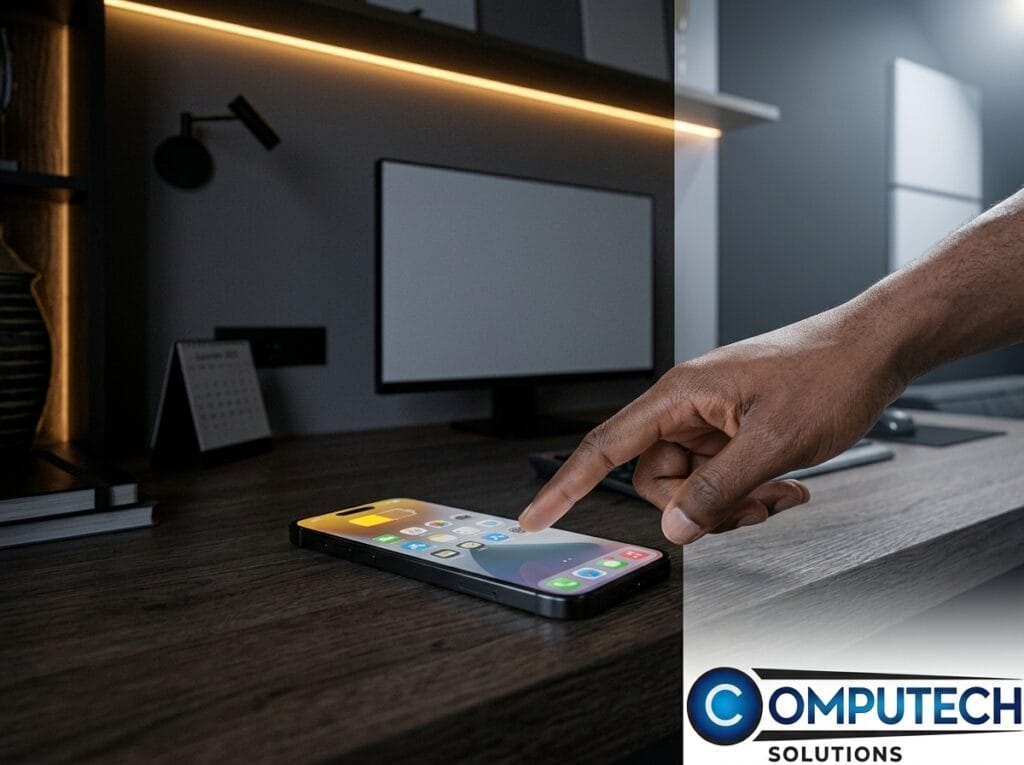
Turn off iPhone Low Power Mode via Settings > Battery to restore full performance. Check battery health; replace if below 80%. Use quality chargers and power banks to maintain efficiency.
Check Battery Health for Dell Laptops Before Your Machine Dies Mid-Task
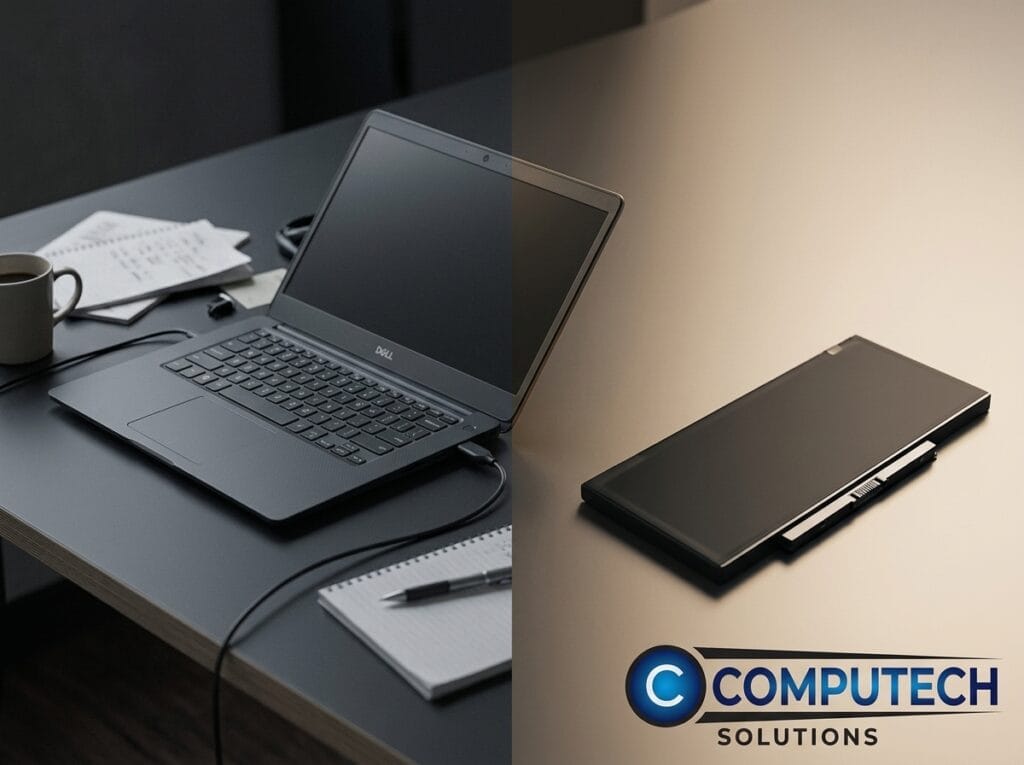
Learn to check Dell laptop battery health using Windows Battery Report, Dell Power Manager, or BIOS diagnostics to avoid sudden shutdowns. Choose reliable generic replacements from Computech Solutions.
Check Your Laptop Battery Health Before It Fails—Protect Your Work Today
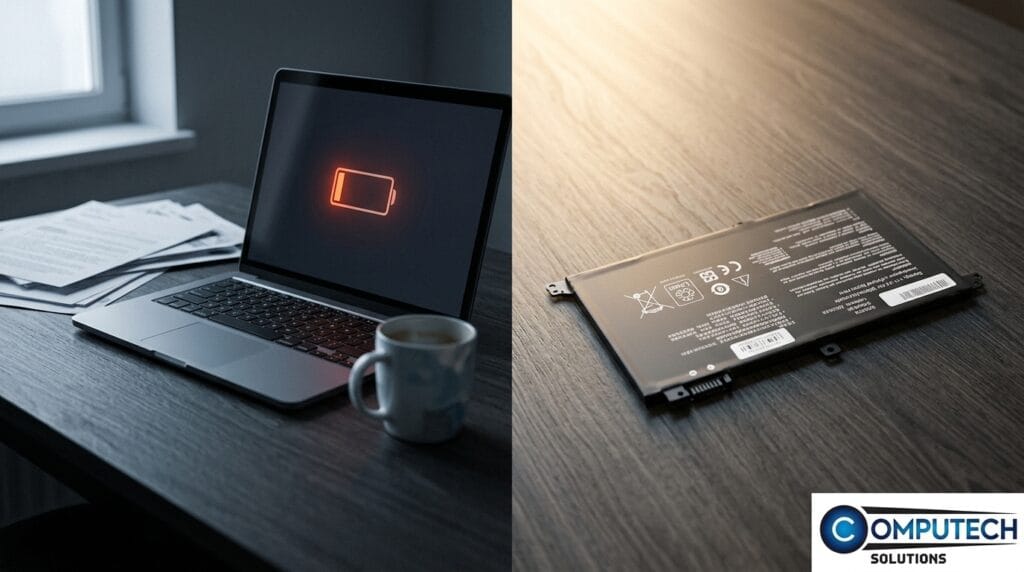
Check your laptop battery health regularly to avoid sudden shutdowns and lost work. Use built-in tools to monitor battery status and consider early replacement with trusted generic batteries from Computech Solutions.
Battery Health Check: The 2-Minute Test to Fix a Dying Laptop
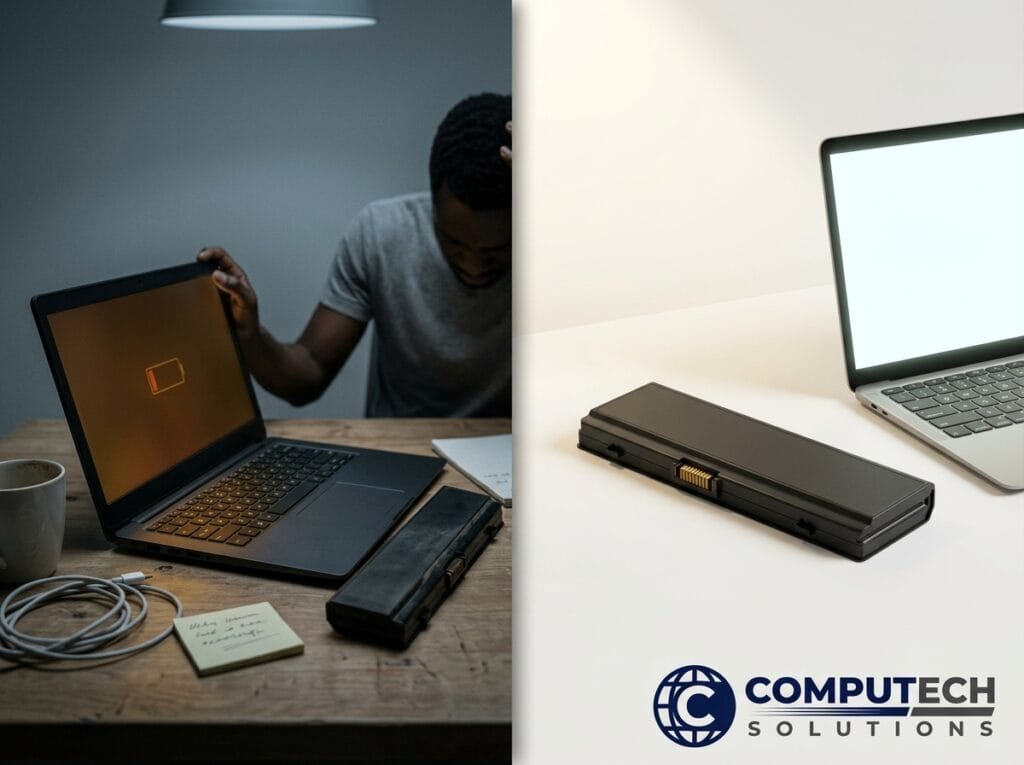
Check your laptop battery health using built-in tools to identify wear or high cycle counts indicating replacement is needed. Computech Solutions offers compatible batteries and power backup options.
Battery Saver Mode on iPhone: Emergency Fix Now, Real Power for the Long Day

iPhone Low Power Mode extends battery life temporarily but signals deeper issues if used daily. Check battery health in Settings; replace if below 80%. Use quality chargers and accessories for lasting power.
Turn Off Battery Saver Fast – And Fix the Real Power Problem

Learn to quickly disable battery saver on Windows 10/11 to restore laptop speed. Persistent issues often signal battery or charger problems; Computech Solutions offers quality replacements and solar backups in South Africa.
Turn Off Battery Saver: Fix the Power Source, Not Your Workflow
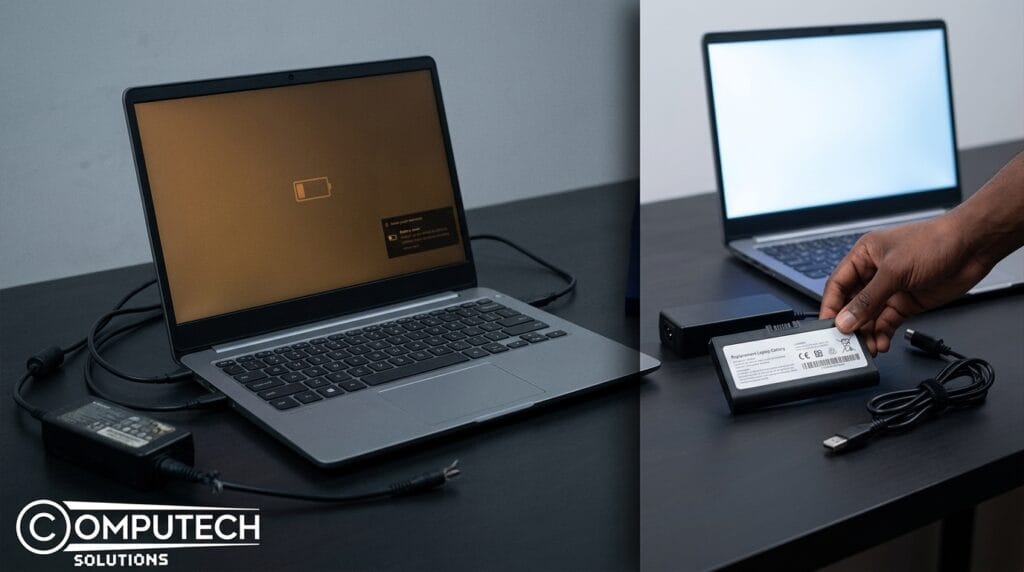
Laptop battery saver mode often signals a failing battery or charger, causing throttling and reduced performance. Fix issues by replacing power sources with Computech Solutions parts and consider UPS for backup.
HP Battery Replacement Laptop: Restore Portable Power Fast
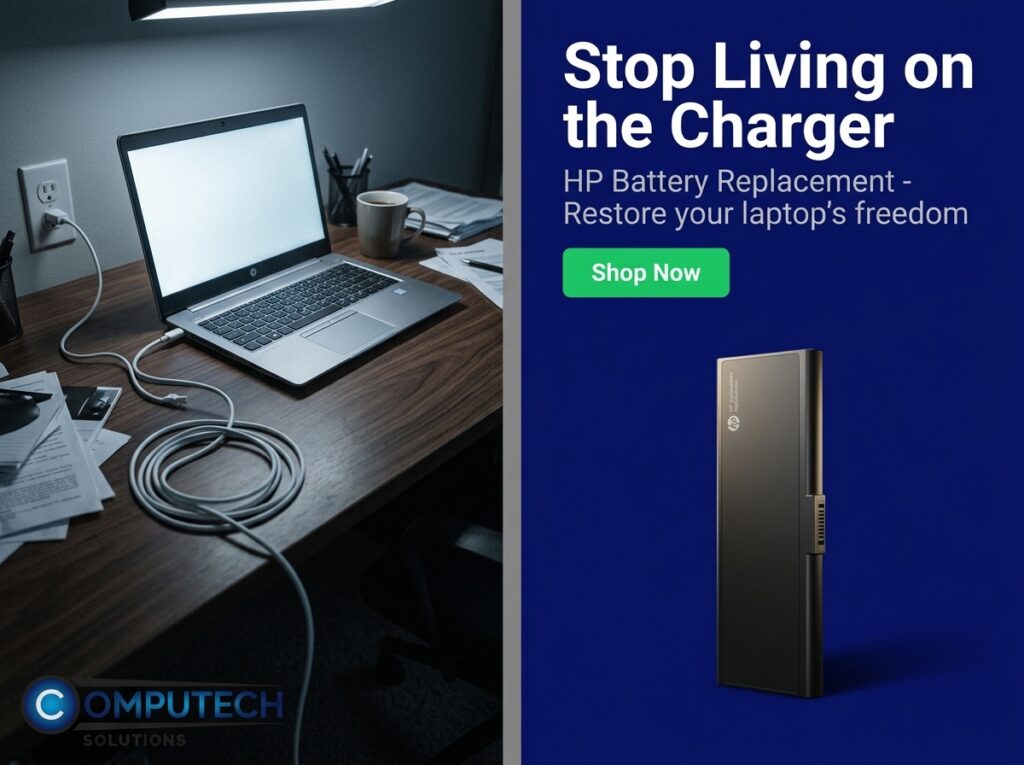
Replace failing HP laptop batteries showing rapid power loss or swelling to restore mobility and productivity. Choose compatible, quality generic batteries for reliable, cost-effective performance.
HP Laptop Battery Replacement: Restore Runtime. Skip the Upgrade.
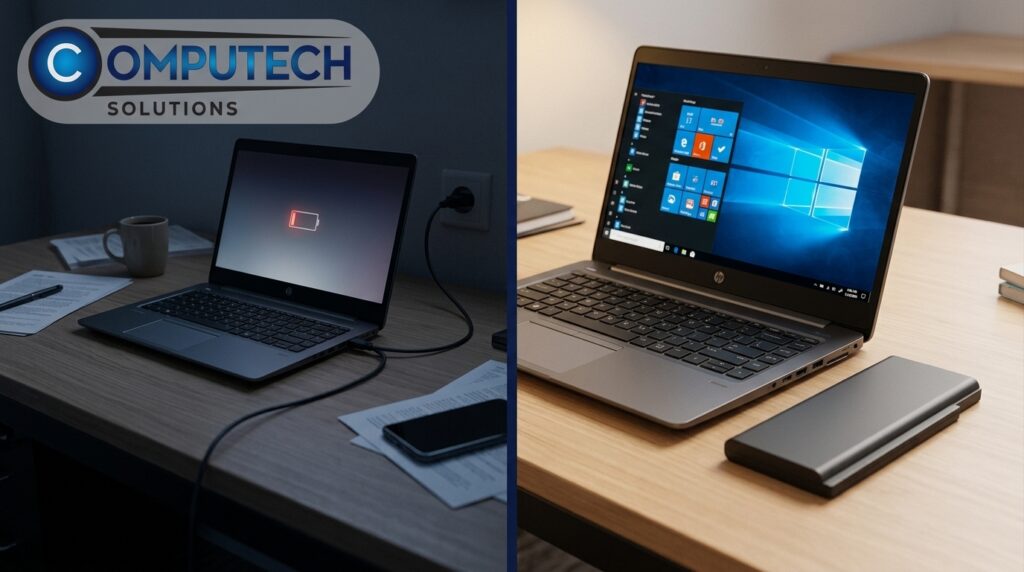
Computech Solutions offers quality HP laptop battery replacements to restore runtime and mobility cost-effectively. Confirm your model for compatibility, consider capacity needs, and enjoy warranty-backed support with optional charger bundles.