
How to Turn Off Battery Saver on Android (Fast Fix + Power Tips)
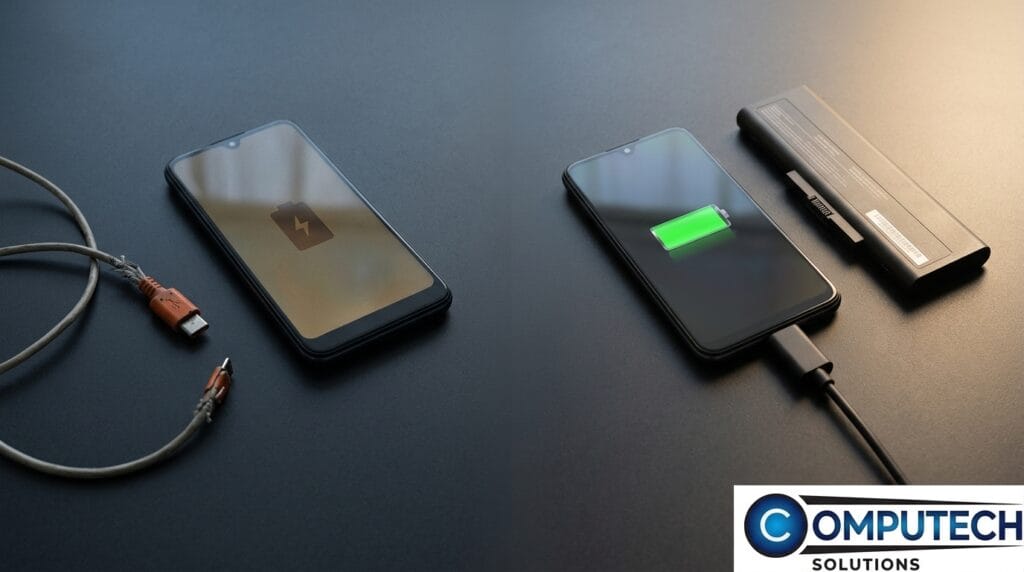
To turn off Android battery saver, go to Settings > Battery > Battery Saver and toggle off. Frequent activation may indicate battery or charger issues. Use quality USB-C fast chargers and power banks to improve performance and reliability.
How to Turn Off Battery Saver on iPhone: Fix Low Power Mode Fast
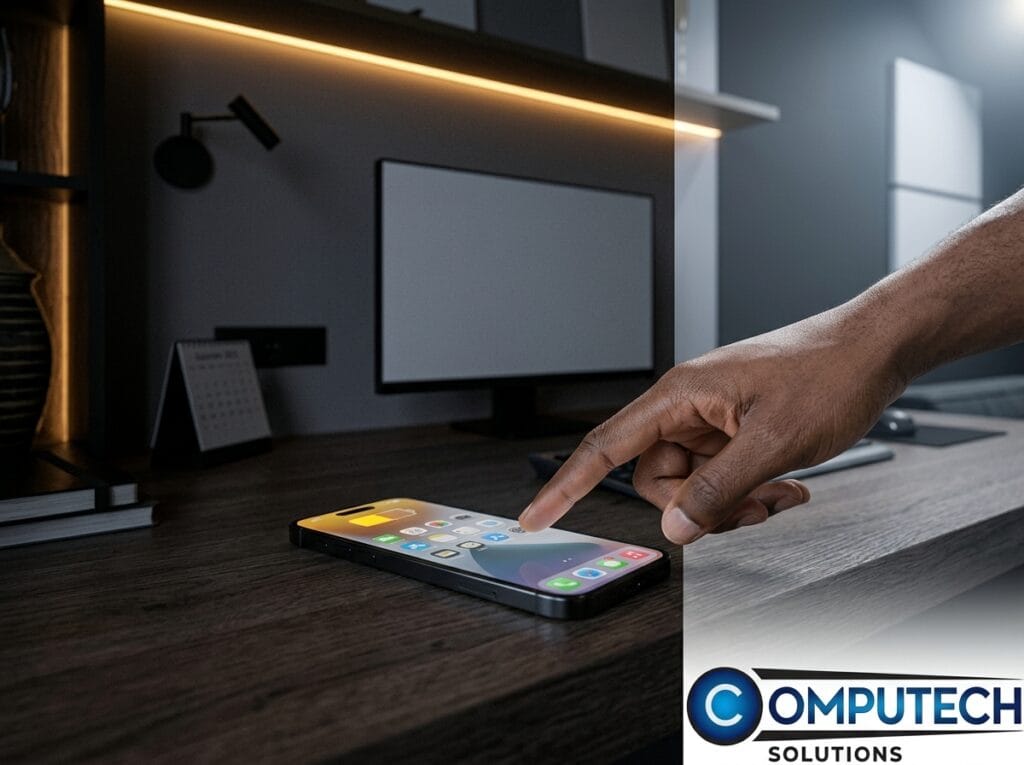
Turn off iPhone Low Power Mode via Settings > Battery to restore full performance. Check battery health; replace if below 80%. Use quality chargers and power banks to maintain efficiency.
Check Battery Health for Dell Laptops Before Your Machine Dies Mid-Task
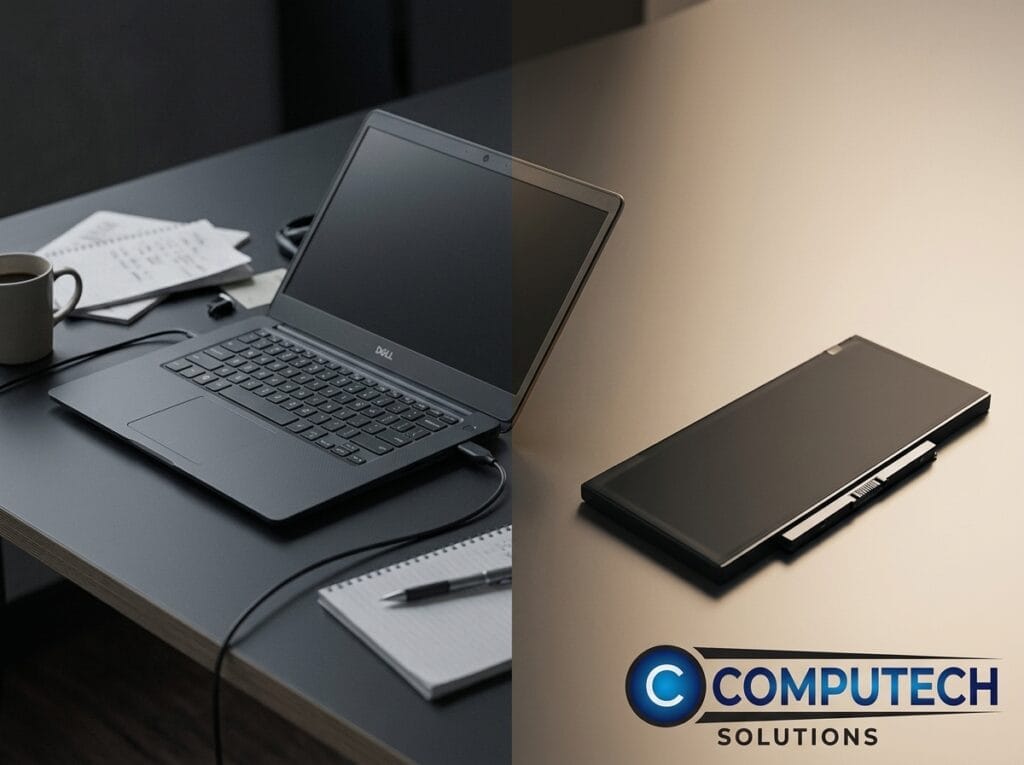
Learn to check Dell laptop battery health using Windows Battery Report, Dell Power Manager, or BIOS diagnostics to avoid sudden shutdowns. Choose reliable generic replacements from Computech Solutions.
Check Your Laptop Battery Health Before It Fails—Protect Your Work Today
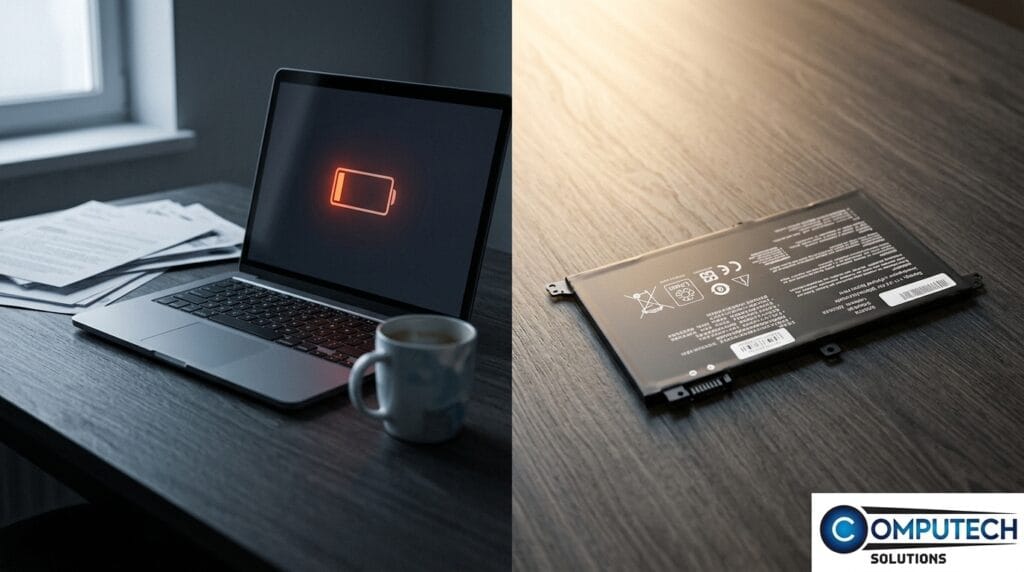
Check your laptop battery health regularly to avoid sudden shutdowns and lost work. Use built-in tools to monitor battery status and consider early replacement with trusted generic batteries from Computech Solutions.
Battery Health Check: The 2-Minute Test to Fix a Dying Laptop
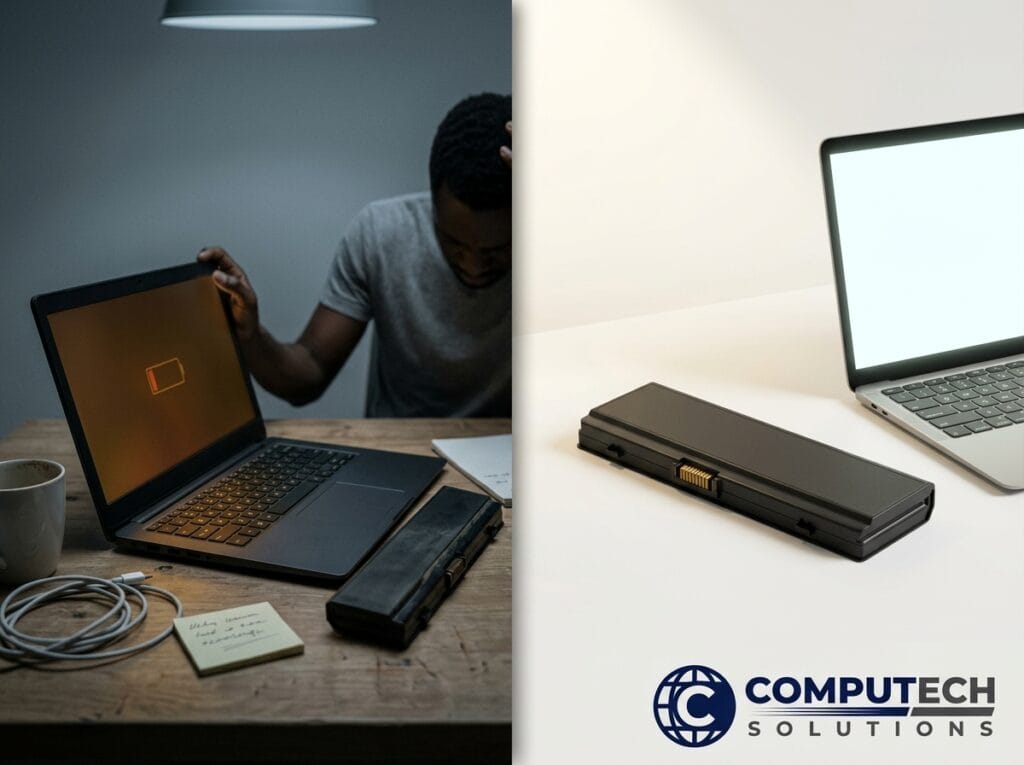
Check your laptop battery health using built-in tools to identify wear or high cycle counts indicating replacement is needed. Computech Solutions offers compatible batteries and power backup options.
Battery Saver Mode on iPhone: Emergency Fix Now, Real Power for the Long Day

iPhone Low Power Mode extends battery life temporarily but signals deeper issues if used daily. Check battery health in Settings; replace if below 80%. Use quality chargers and accessories for lasting power.
Turn Off Battery Saver Fast – And Fix the Real Power Problem

Learn to quickly disable battery saver on Windows 10/11 to restore laptop speed. Persistent issues often signal battery or charger problems; Computech Solutions offers quality replacements and solar backups in South Africa.
Turn Off Battery Saver: Fix the Power Source, Not Your Workflow
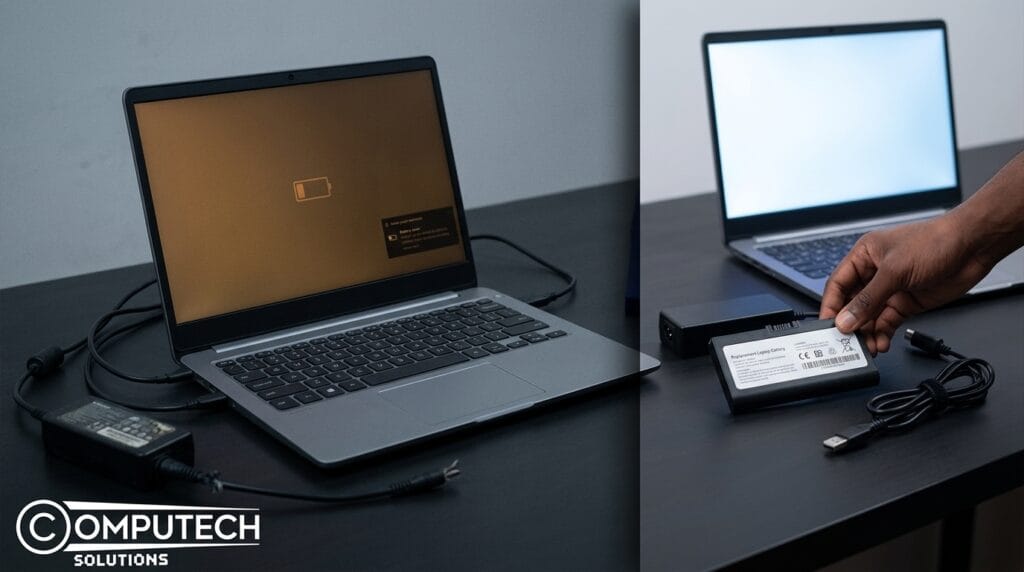
Laptop battery saver mode often signals a failing battery or charger, causing throttling and reduced performance. Fix issues by replacing power sources with Computech Solutions parts and consider UPS for backup.
Laptop Battery Replacement: Stop the Shutdowns. Get Portable Again.
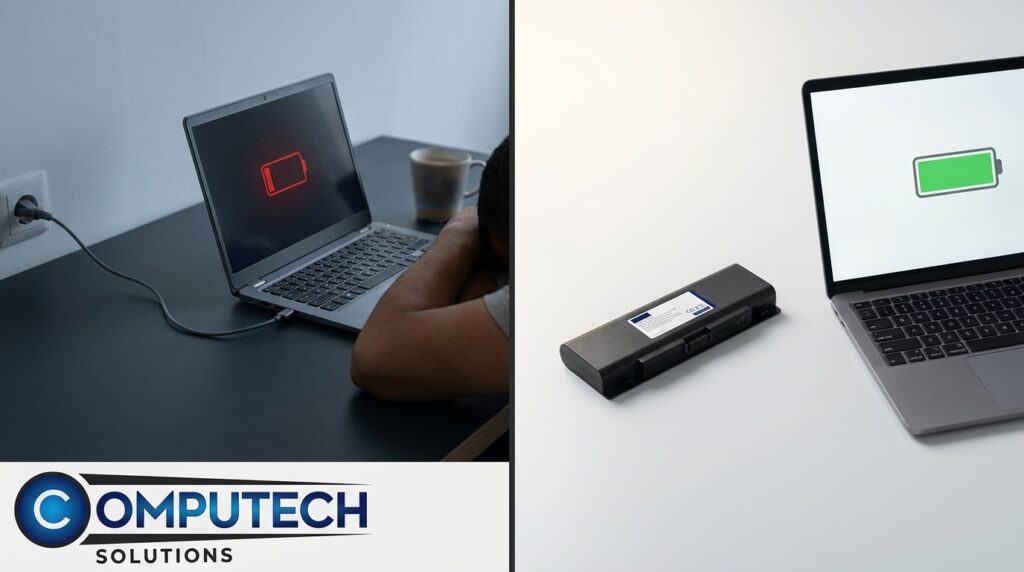
Computech Solutions offers high-quality generic laptop battery replacements to restore portability and prevent shutdowns. Fast nationwide delivery and expert support available.
Geek Squad at Best Buy vs Specialist Parts: The Fastest Fix for a Dead Laptop
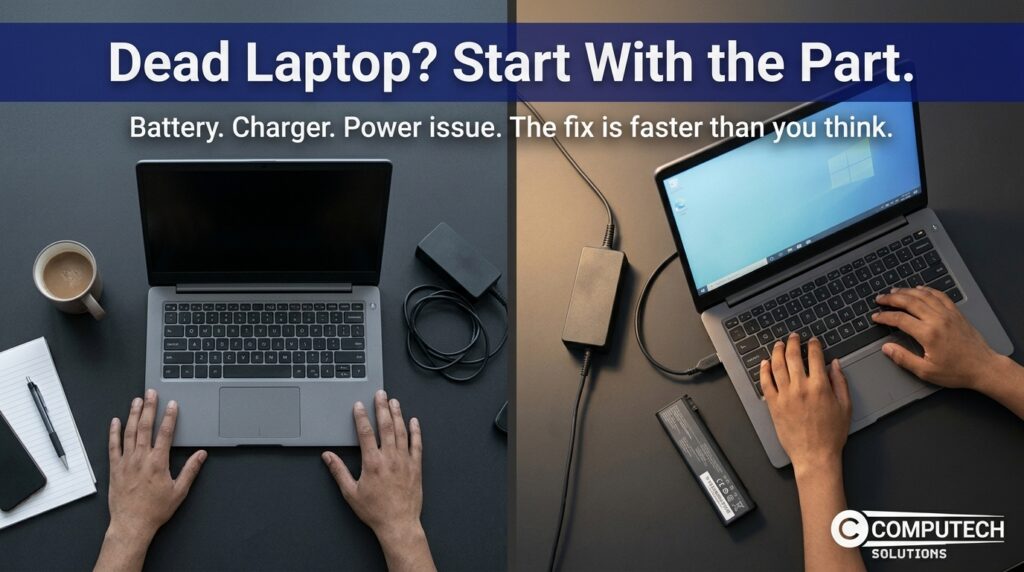
Computech Solutions offers faster, targeted laptop power fixes than Geek Squad by providing specialist parts like batteries and chargers, ensuring quick, reliable service across South Africa.
How to Choose a Scalable Backup Power System for Reliable Productivity (South Africa Guide)
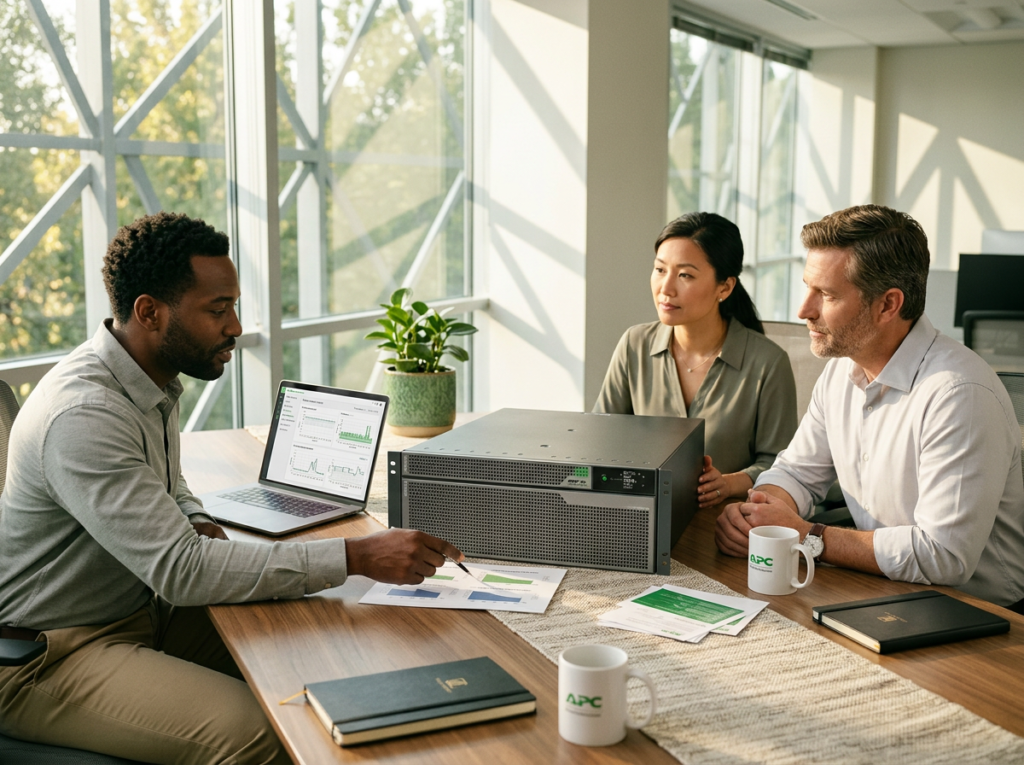
This guide helps South African users choose scalable backup power systems, detailing UPS vs. inverter options, LiFePO4 batteries, pure sine wave inverters, hybrid solar integration, and mobile inverter trolleys.
How to Do an HP Warranty Check in Minutes (South Africa Guide)

Check your HP warranty in South Africa quickly using your serial number via System Info, Command Prompt, or PowerShell. Out of warranty? Computech offers quality replacements and backup power solutions.